Evaluate How to Start a Digital Products Business on Shopify
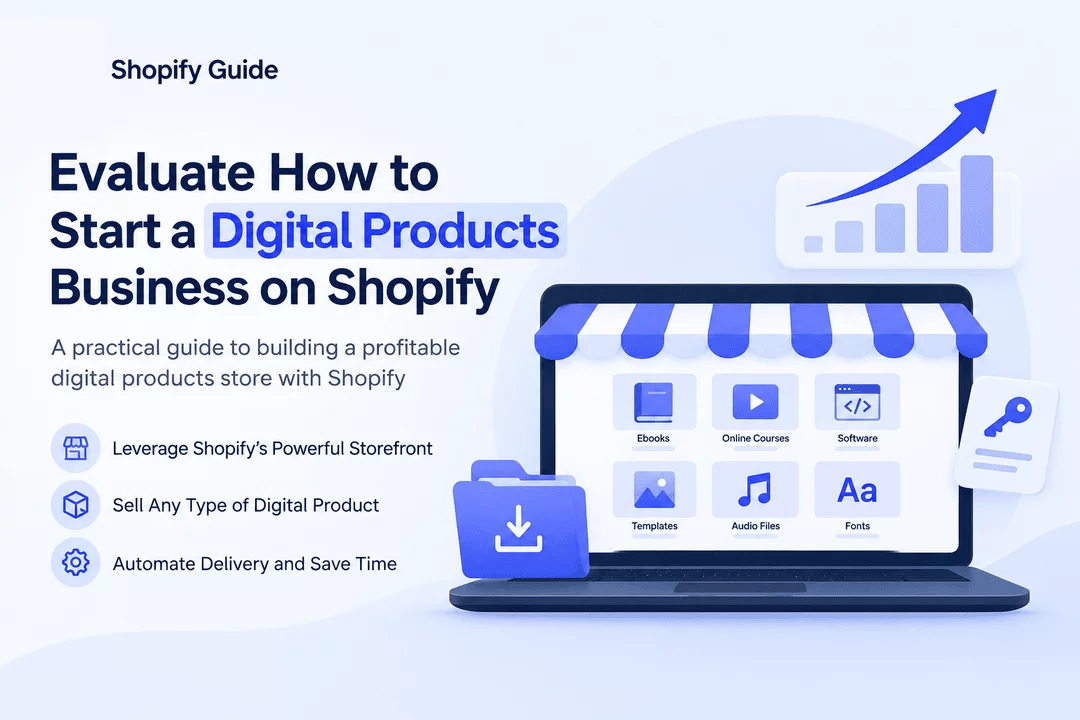
Starting a digital products business can be one of the most accessible ways to build an online store. Unlike physical products, digital products don’t require warehouses, shipping labels, or inventory storage. With Shopify and the right digital delivery tools, merchants can sell ebooks, software, templates, courses, graphics, audio files, license keys, and other downloadable products from one storefront.
But before launching, it is important to evaluate whether starting a digital products business on Shopify is the right choice for your goals.
In this guide, we’ll look at the opportunity, costs, product ideas, fulfillment process, challenges, and how automation can help you build a more efficient digital store.
Why Start a Digital Products Business?
Digital products have several advantages over traditional physical products.
Once a digital product is created, it can often be sold repeatedly without manufacturing another physical item. Customers can receive their purchases almost immediately, making the buying experience faster and easier.
Some popular digital products include:
- Ebooks and PDF guides
- Online courses and educational materials
- Software and license keys
- Design templates
- Digital artwork
- Fonts and graphics
- Music and audio files
- Printable planners
- Business documents and spreadsheets
- Membership or subscription access
- Digital resources and toolkits
The key advantage is scalability. You can potentially sell the same digital asset to hundreds or thousands of customers without dealing with physical fulfillment.
Why Shopify for Digital Products?
Shopify is widely used for ecommerce, but it can also provide a strong foundation for selling digital products.
A Shopify store gives you control over your storefront, product pages, checkout, branding, pricing, and customer experience. Instead of building an ecommerce website from scratch, you can use Shopify's existing infrastructure and add digital-product functionality through apps.
This makes Shopify particularly useful for entrepreneurs who want to build a branded digital business rather than depend entirely on a marketplace.
Evaluate Your Digital Product Idea First
Before creating your Shopify store, evaluate the product you want to sell.
Ask yourself:
1. Does the product solve a problem?
The strongest digital products usually solve a specific problem or help customers achieve a desired result.
For example, instead of creating a generic ebook about productivity, you could create a detailed productivity system for freelancers, students, or small-business owners.
2. Who is the target customer?
Define your audience as clearly as possible.
Consider:
- Their interests
- Their problems
- Their purchasing behavior
- Their budget
- Where they search for solutions
- What competing products they already use
A specific audience can make marketing much easier.
3. Can the product be delivered digitally?
Your product should be easy to provide online after payment.
For example, an ebook can be delivered as a PDF, while software can be delivered using a unique license key or download link.
4. Is there room for differentiation?
Competition exists in almost every digital-product category. Your product needs a reason for customers to choose it.
You might differentiate through better design, more detailed information, unique features, personalization, bonuses, customer support, or a specialized target audience.
How to Start Selling Digital Products on Shopify
Once you've validated your idea, the process can be broken into several steps.
Step 1: Choose Your Product
Start with one product category rather than trying to sell everything.
For example, you could build a store focused on:
- Business templates
- Educational PDFs
- Design assets
- Software
- Digital planners
- Photography resources
- Audio products
A focused product catalog can make your branding and marketing more effective.
Step 2: Create a High-Quality Product
Your digital product is the foundation of the business.
Invest time in:
- Professional design
- Useful content
- Easy-to-follow instructions
- Clear organization
- Quality testing
- Appropriate file formats
The goal is to create something customers feel is worth paying for.
Step 3: Create Your Shopify Store
Set up your Shopify storefront with a professional design.
Your store should clearly communicate:
- What you sell
- Who your products are for
- What customers receive
- How delivery works
- How much products cost
- How customers can get support
Your product pages should also include clear descriptions and previews where appropriate.
Step 4: Set Up Digital Delivery
One of the most important parts of a digital-product business is fulfillment.
A customer who purchases a physical product expects shipping. A customer purchasing a digital product expects access quickly.
Manually sending files or links to every customer can become difficult as sales increase.
This is where automation becomes valuable.
With Digitally, Shopify merchants can automate the delivery of digital products after purchase. Depending on the product, merchants can deliver files, license keys, custom links, QR codes, and other digital content.
Automation can help reduce manual work while giving customers faster access to their purchases.
Automate License Key Delivery
Software businesses have an additional challenge: license key management.
If you're selling software licenses, antivirus keys, activation codes, game keys, or other unique codes, manually assigning a key to every order can quickly become inefficient.
An automated system can:
- Receive the Shopify order.
- Identify the purchased product.
- Select an available license key.
- Assign the key to the customer.
- Send the key through the configured delivery method.
- Track the assigned key.
Digitally can help merchants manage and automatically deliver unique license keys from their Shopify store.
This can be especially useful when every customer needs to receive a different code.
Protect Your Digital Products
Digital products are convenient, but merchants also need to think about unauthorized sharing.
Depending on what you're selling, useful protections can include:
- Download limits
- Expiring download links
- PDF protection or stamping
- Access controls
- Fraud prevention
- Secure delivery pages
The right approach depends on the product and how customers are expected to use it.
For example, a downloadable ebook might require different protection from a software license key.
Calculate Your Potential Costs
Before launching, evaluate the economics of your business.
Your costs may include:
- Shopify subscription
- Digital delivery app
- Product creation
- Design software
- Advertising
- Email marketing
- Payment processing
- Customer support
- Website and branding expenses
Digital products can have attractive margins because there is no physical inventory or shipping cost, but creating a high-quality product and acquiring customers still requires investment.
Create a simple calculation:
Profit = Product Price − Product Creation Costs − Platform Costs − Marketing Costs − Transaction Fees
This gives you a better idea of whether your product can become a sustainable business.
Digital Products vs. Physical Products
Digital products can be attractive because fulfillment is usually much simpler.
Factor | Digital Products | Physical Products |
Inventory | Usually not required | Required |
Shipping | Not required | Required |
Delivery | Usually instant | Can take days |
Storage | Minimal | Often required |
Scalability | High | Depends on inventory |
Fulfillment | Can be automated | Usually requires logistics |
Margins | Potentially high | Varies |
However, digital products aren't automatically easier. You still need a valuable product, effective marketing, customer support, and a strong reason for customers to buy.
How Automation Helps You Scale
The biggest advantage of automation appears as your sales volume increases.
Imagine receiving 100 digital orders in a day. Manually finding files, sending emails, assigning license keys, and answering delivery questions could consume significant time.
Automation can handle much of this repetitive work.
With an automated Shopify digital delivery workflow, you can focus more on:
- Creating new products
- Marketing
- Customer relationships
- Improving your store
- Building your brand
- Increasing sales
This changes the role of the store owner from manual order fulfillment to business growth.
Common Mistakes to Avoid
Selling Without Validating Demand
Creating a product doesn't guarantee customers will buy it. Research your audience and competitors before investing significant time.
Making Delivery Complicated
Customers shouldn't have to search through multiple emails or contact support to find their purchase.
Make digital delivery simple and clear.
Ignoring Product Security
If your product can easily be shared without authorization, consider appropriate access controls and download protections.
Competing Only on Price
Lowering your price isn't always the best strategy. A better product, clearer positioning, stronger branding, and better customer experience can create more value.
Trying to Launch Too Many Products
Start small. One excellent digital product can be a better foundation than dozens of unfinished or poorly positioned products.
Is Shopify Right for Your Digital Products Business?
Shopify can be a strong choice if you want to build a branded ecommerce business around digital products.
It is particularly attractive for merchants who want control over their storefront and customer experience while using apps to extend Shopify's digital-product capabilities.
If your goal is to sell ebooks, software, license keys, templates, PDFs, digital artwork, or other downloadable products, Shopify combined with an automated delivery solution can provide a scalable foundation.
Final Thoughts
Starting a digital products business on Shopify can be a practical way to turn knowledge, creativity, software, or digital assets into an online revenue stream.
The most important step isn't simply opening a Shopify store. It's evaluating your product idea, understanding your audience, calculating your costs, creating a valuable product, and building a reliable fulfillment system.
As your store grows, automation becomes increasingly important. Tools such as Digitally can help Shopify merchants automate digital product delivery, manage downloadable content, and deliver license keys or other digital assets efficiently.
Start with one strong product, create a smooth customer experience, automate repetitive tasks, and use customer feedback to build your digital business over time.
Frequently Asked Questions
You can sell ebooks, PDFs, templates, online courses, software, license keys, digital artwork, planners, graphics, audio files, and other downloadable products.
You can use a digital delivery app such as Digitally to automatically send files, download links, license keys, QR codes, and other digital products to customers after purchase.
Digital products can have strong profit potential because they don't require physical inventory, storage, or shipping. However, profitability depends on product quality, pricing, demand, marketing, and customer acquisition costs.
While Shopify provides the ecommerce infrastructure, a dedicated digital delivery app can simplify secure file delivery, download management, and automated fulfillment.
Merchants can use features such as download limits, expiring links, access controls, and PDF protection to reduce unauthorized sharing. Digitally provides tools that can help merchants manage and protect digital product delivery.
Yes. Shopify merchants can sell software license keys and activation codes by using a digital delivery system that automatically assigns unique keys to orders and delivers them to customers.
Shopify Digital Products
Sell Digital Products
Digital Downloads
License Key Delivery
Digital Product Automation
Digital Product Business
digitally

Digitally ‑ Digital Products
Sell files, e-books, license keys, promo codes & digital links
 Install Now