How to Sell Account-Based Digital Products on Shopify with Digitally (Safely & Automatically)
Introduction
Selling account-based digital products like SaaS tools, online courses, subscription services, or streaming accounts on Shopify can be challenging. Customers expect instant access, but sharing login credentials manually can be risky and time-consuming.
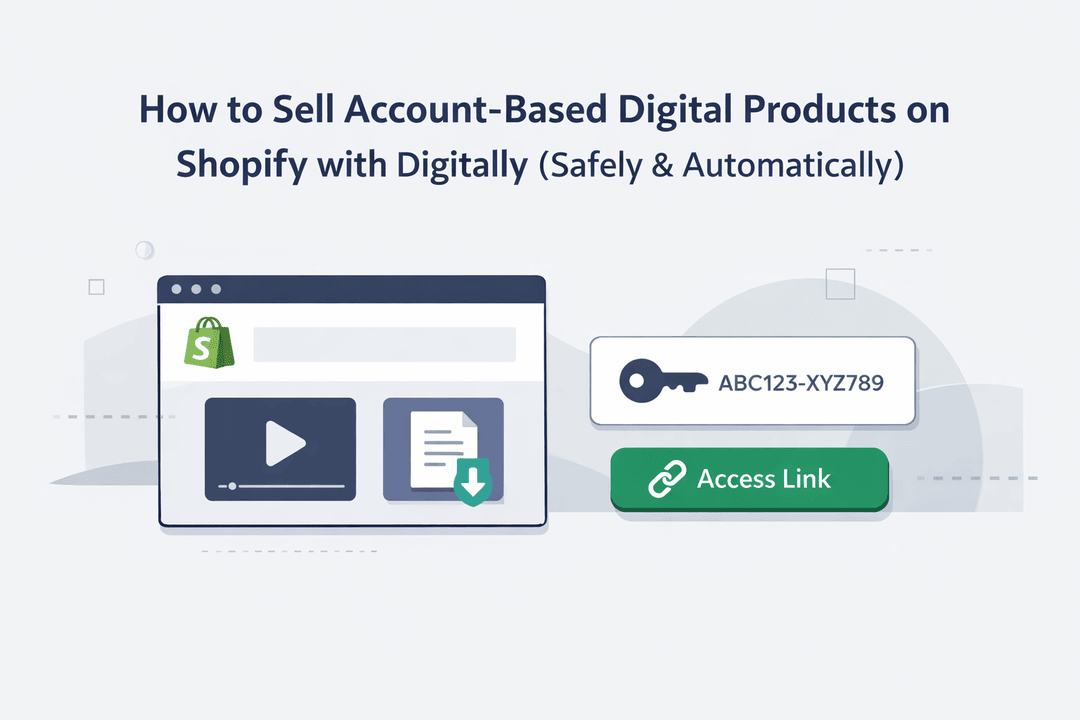
Digitally — Digital Products is a Shopify app that lets merchants sell digital goods, license keys, custom URLs, files, and secure links directly through their store. With Digitally, Shopify merchants can safely and automatically deliver account-based products using custom links and private credentials, eliminating the hassle of manual fulfilment while protecting sensitive login information.
Why Account-Based Digital Products Require Special Handling
Account-based products aren’t like standard digital downloads. They require careful handling due to:
- Security Risks: Sharing passwords or access manually can lead to unauthorized use or leaks.
- Delivery Challenges: Manual delivery is slow, error-prone, and adds customer support overhead.
- Compliance Needs: Certain services may require unique credentials per user.
By using Digitally, merchants can automate secure delivery, ensuring that each customer receives a unique, private link or credential instantly after purchase.
Setting Up Digitally to Sell Account-Based Products
Step 1 – Install the Digitally App
- Go to the Shopify App Store.
- Search for Digitally – Digital Products.
- Click Install to add it to your store.
Step 2: Create or Select a Digital Product in Digitally
In your Shopify admin:
- Open Products page
- Create a new product or select an existing one
- Set pricing and product details
This product will be used to deliver your custom link.
Step 3: Add a Custom Link in Digitally
Inside the Digitally app:
- Click Create Digital Product
- Choose Custom Link / Link-Based Delivery
- Enter the URL you want to deliver
This link could be:
- A course login page
- A SaaS access URL
- A private resource or dashboard
- A membership invite link
Digitally supports both static links (same link for all buyers) and unique links (one link per order or customer).
Step 4: Configure Security & Delivery Settings
Digitally allows you to control how and when the link is delivered:
- Deliver only after successful payment
- Limit access by order or customer
- Set expiration rules or usage limits (optional)
These settings help prevent link sharing and unauthorized access.
Step 5: Attach the Custom Link to Your Product
Link the custom URL inside Digitally to your Shopify product and save your settings.
Your product is now ready for automated delivery.
Step 6: Automatic Delivery After Purchase
When a customer completes checkout:
- 📩 The custom link is delivered automatically
- 🧾 Available on the order confirmation page
- ✉️ Sent via email without manual effort
- 🔒 Accessible only to the buyer
Everything happens instantly and securely.
Common Use Cases for Custom Link Delivery
Digitally’s custom link delivery is ideal for:
- Online courses & coaching programs
- SaaS tools and software access
- Private communities (Slack, Discord, forums)
- Subscription-based platforms
- Partner or affiliate portals
Best Practices for Selling Login-Based Digital Products
- Use unique credentials for each customer to prevent unauthorized sharing.
- Rotate or expire credentials when appropriate to maintain security.
- Monitor access logs to track usage and address support queries promptly.
- Keep custom links private; never share them publicly.
- Communicate clearly with customers about how to access their accounts safely.
Benefits of Using Digitally for Account-Based Products
- Secure & Automated Delivery: Credentials and links are sent automatically after purchase.
- Easy Shopify Integration: Works directly with your store’s checkout and order flow.
- Reduced Support Workload: Automation minimizes manual fulfillment errors.
- Flexible Use Cases: Perfect for SaaS tools, subscriptions, streaming accounts, and online courses.
Selling account-based digital products on Shopify doesn’t have to be complicated or risky. With Digitally – Digital Products, merchants can automate delivery, protect sensitive credentials, and provide a seamless experience for their customers. From SaaS tools to subscription services and online courses, Digitally makes it simple to sell login-based products safely and automatically.
Frequently Asked Questions
Account-based digital products are products that require user-specific access rather than a simple file download. Examples include SaaS tools, online courses, membership portals, streaming accounts, and private communities where customers need login credentials or secure access links.
Manually sending usernames, passwords, or access links can lead to security breaches, link sharing, human errors, and delayed delivery. It also increases customer support workload and makes it harder to manage access control and compliance.
You can automate delivery by using a Shopify digital delivery app that supports custom link or credential-based fulfillment. Automation ensures customers receive instant, secure access immediately after purchase without any manual intervention.
Yes. Digitally – Digital Products allows Shopify merchants to securely deliver custom access links, private URLs, and credentials automatically after payment. It ensures that only the buyer receives access, helping prevent unauthorized sharing or misuse.
Yes. You can set rules such as link expiration, usage limits, or customer-based access restrictions. This is especially useful for subscriptions, trials, or time-limited memberships where long-term access should be controlled.
Digitally is ideal for SaaS founders, course creators, coaches, subscription platforms, community managers, and anyone selling login-based digital access on Shopify who wants secure, automated, and scalable delivery.
Shopify Digital Products
Account-Based Digital Products
Custom Link Delivery
Automated Digital Delivery
License Keys & Access Links
Sell Online Courses
Digitally Shopify App

Digitally ‑ Digital Products
Sell files, e-books, license keys, promo codes & digital links
 Install Now