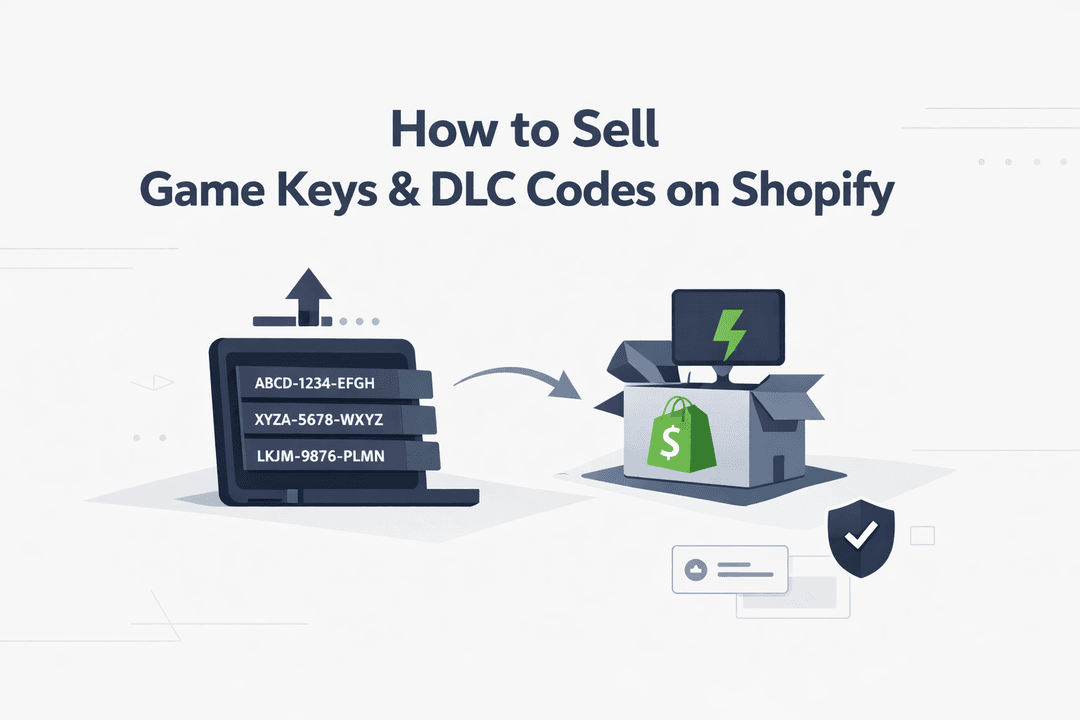
How to Sell Game Keys & DLC Codes on Shopify
Selling game keys and DLC (downloadable content) codes is one of the most profitable and fast-moving niches in digital ecommerce. Whether you're offering Steam keys, PlayStation or Xbox codes, or in-game add-ons, customers are ready to buy instantly—and they expect immediate delivery.
However, running this type of business comes with unique challenges: managing large inventories of keys, avoiding duplicate deliveries, and ensuring a seamless customer experience.
In this guide, you’ll learn how to sell game keys and DLC codes on Shopify efficiently, while automating your entire fulfillment process using Digitally.
Why Game Keys Are a High-Intent Product
Game keys are not like typical digital products. Customers searching for them already know what they want. This means:
- Higher conversion rates
- Faster purchasing decisions
- Strong repeat buying behavior
Popular product types include:
- Steam game keys
- PlayStation and Xbox digital codes
- In-game DLC and add-ons
- Subscription codes (e.g., Game Pass)
Because of this high intent, even small improvements in delivery speed and reliability can significantly boost your revenue.
The Biggest Challenges Sellers Face
Before setting up your store, it’s important to understand the key operational challenges:
Manual Delivery Slows You Down
Sending keys manually through email is time-consuming and doesn’t scale.
Duplicate Key Issues
Without proper tracking, the same key might be delivered to multiple customers—leading to refunds and reputation damage.
Inventory Management Complexity
Handling hundreds or thousands of keys manually quickly becomes unmanageable.
Customer Expectations
Gamers expect instant delivery. Even a small delay can result in lost trust or negative reviews.
Step-by-Step: How to Sell Game Keys on Shopify
1. Set Up Your Shopify Store
Create your Shopify store and add products such as:
- Individual game titles
- DLC bundles
- Gift cards or subscriptions
Make sure each product includes:
- Platform (Steam, Xbox, PlayStation)
- Region restrictions (if any)
- Clear activation instructions
2. Upload Keys in Bulk
Manually adding keys one by one is inefficient. Instead, use bulk upload functionality.
With Digitally, you can:
- Upload thousands of keys using a CSV file
- Assign keys to specific products
- Track usage automatically
This removes the need for manual handling and reduces errors.
3. Enable Instant Delivery
After purchase, your system should automatically:
- Assign a unique key
- Deliver it instantly via email or a secure page
- Mark it as used
This ensures:
- Zero delays
- No manual work
- A smooth customer experience
4. Prevent Duplicate Keys
Duplicate key delivery is one of the biggest risks in this business.
To prevent it:
- Use automated key assignment
- Track which keys are used
- Maintain real-time inventory
Digitally ensures that each key is delivered only once, eliminating duplication issues.
5. Secure Your Delivery Process
Security is critical when dealing with digital codes.
Best practices include:
- Using secure download links
- Restricting access to buyers only
- Avoiding exposure of your key database
This protects your business and builds customer trust.
Best Practices to Increase Sales
Clearly Mention Region Restrictions
Always specify whether a key is global or region-locked to avoid confusion and refunds.
Provide Easy Activation Instructions
Help customers redeem their keys easily with step-by-step instructions.
Offer Bundles
Increase your average order value by offering:
- Game + DLC bundles
- Multi-key discounts
Provide Fast Customer Support
Quick support builds trust and encourages repeat purchases.
Why Automation Is the Key to Scaling
If you want to grow your game key business, automation is essential.
Digitally allows you to:
- Deliver keys instantly after purchase
- Upload and manage keys in bulk
- Prevent duplicate deliveries
- Run your store without manual intervention
This frees up your time so you can focus on marketing, partnerships, and scaling your store.
Final Thoughts
Selling game keys and DLC codes on Shopify is a high-demand, high-margin opportunity—but only if you have the right systems in place.
Manual processes will limit your growth and increase the risk of errors. By automating your fulfillment with Digitally, you can deliver a fast, reliable experience that customers expect.
With the right setup, you’ll be able to scale your business effortlessly and build a professional digital storefront.
Frequently Asked Questions
Yes, Shopify allows you to sell digital products like game keys, as long as you comply with licensing and platform policies.
You can use a digital delivery app like Digitally to automatically send keys to customers after purchase.
Use an automated system that assigns each key only once and tracks usage in real time.
Yes, Digitally allows you to upload large batches of keys via CSV and manage them
Yes. Most customers expect immediate access, and delays can negatively impact your sales and reputation.
how to sell game keys on shopify
instant digital delivery
playstation game codes
steam keys shopify
digitally shopify app
digital products shopify
shopify digital delivery
Digitally

Digitally ‑ Digital Products
Sell files, e-books, license keys, promo codes & digital links
 Install Now