From Purchase to Activation: How Software License Keys Work with Instant Delivery
Selling software online shouldn’t feel complicated—for you or your customers. Yet many buyers still hesitate because they don’t understand what happens after they click “Buy.”
In this guide, we’ll walk through the entire buyer journey, step by step:
Checkout → Payment → License Key Delivery → Activation
No jargon. No technical overload. Just a clear explanation of how software license keys work and how instant delivery creates a smooth, professional buying experience—especially when selling on Shopify using tools like Digitally.
What Is a Software License Key?
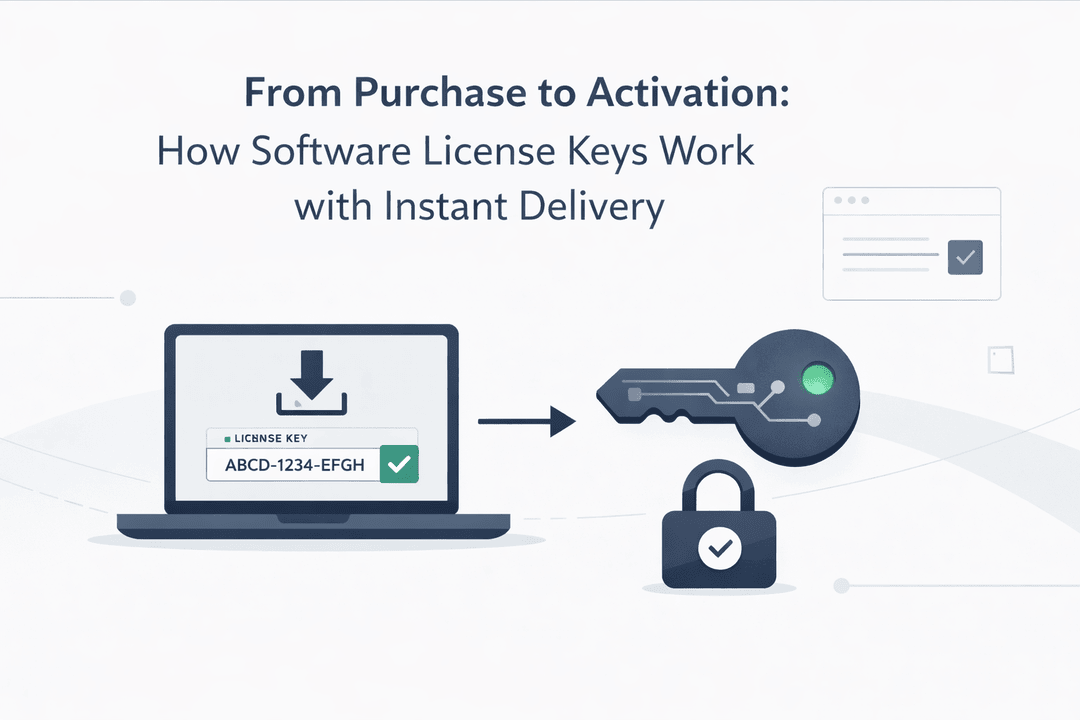
A software license key (also called a product key or activation key) is a unique code that unlocks access to a software product.
It tells the software:
- ✅ The product is legitimate
- ✅ The license is valid
- ✅ The user is allowed to activate it
License keys are commonly used for:
- Desktop software
- SaaS subscriptions
- Plugins & extensions
- Games
- Antivirus & security tools
Instead of shipping anything physical, the entire product experience happens digitally.
The Buyer Journey: From Purchase to Activation
Let’s break down what happens after a customer buys software from your Shopify store.
Step 1: Customer Checkout
The journey starts just like any other online purchase.
The buyer:
- Adds the software product to cart
- Enters billing details
- Proceeds to checkout
From the customer’s perspective, this feels no different from buying a physical product—which is exactly what you want.
Step 2: Secure Payment Processing
Once the customer completes checkout:
- Shopify processes the payment
- The order is marked as paid
- A confirmation is triggered automatically
This payment confirmation is the key moment that unlocks instant delivery.
Step 3: Instant License Key Delivery
This is where automation takes over.
With a license key delivery app like Digitally, the system:
- Detects the successful payment
- Pulls a unique license key from your secure inventory
- Instantly delivers it to the customer
Delivery typically happens via:
- Order confirmation page
- Automated email
- Customer account dashboard
⏱️ No waiting. No manual work. No support tickets asking “Where’s my key?”
Step 4: Customer Receives the License Key
The customer now sees something like:
Your License Key: XXXX-XXXX-XXXX-XXXX
Along with:
- Clear instructions
- Download links (if needed)
- Activation steps
This clarity builds trust and reduces refund requests—especially for first-time buyers.
Step 5: Software Activation
Finally, the customer activates the software.
This usually involves:
- Installing the software
- Opening the activation screen
- Entering the license key
- Clicking “Activate”
The software verifies the key, and access is granted.
🎉 Purchase complete. Product delivered. Customer happy.
Why Instant License Key Delivery Matters
From a buyer’s perspective:
- They want access immediately
- They expect a digital product to be instant
- Delays reduce trust
From a seller’s perspective:
- Manual delivery doesn’t scale
- Errors lead to support requests
- Delays hurt conversions
Instant delivery solves all of this.
How Digitally Simplifies the Entire Process
Digitally is built specifically for Shopify merchants selling:
- Software licenses
- Subscription keys
- Activation codes
- Digital access credentials
With Digitally, you can:
- Upload license keys in bulk
- Auto-deliver keys after payment
- Prevent duplicate key usage
- Customize delivery emails
- Track which keys are used or remaining
All without technical setup.
Here’s the entire journey at a glance:
1️⃣ Customer buys software
2️⃣ Payment is confirmed
3️⃣ License key is instantly delivered
4️⃣ Customer activates the software
Simple. Fast. Scalable.
Final Thoughts
Understanding how software license keys work removes friction—for both buyers and sellers.
For customers, clarity builds confidence.
For merchants, automation drives growth.
If you’re selling software on Shopify, instant license key delivery isn’t just a feature—it’s an expectation.
With Digitally, you can turn every purchase into a seamless, professional experience from checkout to activation.
Frequently Asked Questions
A software license key is a unique code that unlocks access to a software product. It verifies that the purchase is legitimate and allows the user to activate and use the software legally.
Once a customer completes payment, the system automatically delivers a unique license key on the order confirmation page or by email. This happens instantly, without any manual effort from the seller.
Yes, Shopify allows you to sell software license keys as digital products. To automate delivery and avoid manual work, most merchants use a license key delivery app like Digitally.
In most cases, delivery issues are caused by spam filters or incorrect email addresses. Using automated tools like Digitally ensures license keys are securely delivered and easily accessible from the customer’s order page.
Yes. When set up correctly, instant delivery is secure and reliable. Each customer receives a unique key, and inventory tracking helps prevent duplicate or unauthorized key usage.
digitally
license key delivery app
checkout to activation
software purchase process
license key activation
how software license keys work

Digitally ‑ Digital Products
Sell files, e-books, license keys, promo codes & digital links
 Install Now