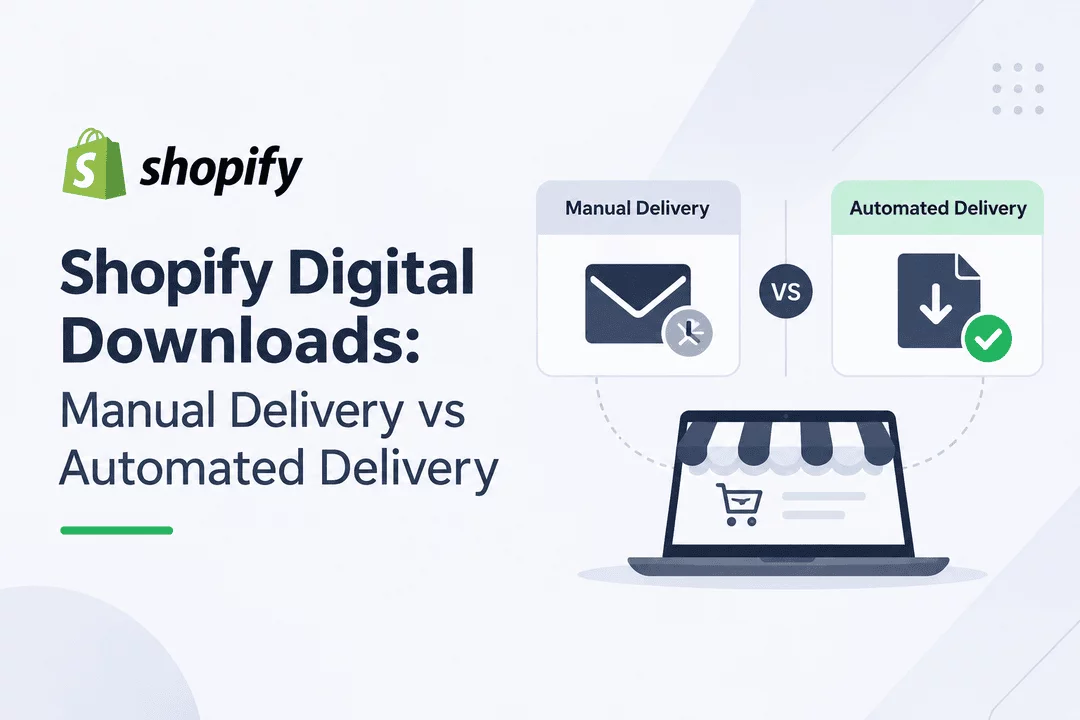
Shopify Digital Downloads: Manual Delivery vs Automated Delivery
Selling digital products on Shopify is a great way to build an online business without managing physical inventory, packaging, or shipping. From ebooks and PDFs to digital artwork, templates, music, and online resources, digital products allow merchants to sell downloadable content to customers worldwide.
However, selling digital products involves one important consideration: how will customers receive their purchases?
Shopify merchants generally have two ways to deliver digital products: manual delivery and automated delivery. While manual delivery gives store owners direct control over the process, automated delivery makes it possible for customers to receive their files without waiting for the merchant to send them.
So, which approach is better for your Shopify store?
In this guide, we'll explore the differences between manual and automated digital product delivery, discuss the advantages and disadvantages of each method, and help you choose the right solution for your business.
What Is Manual Digital Product Delivery?
Manual digital product delivery is a process in which store owners personally send digital files or download links to customers after receiving an order.
Instead of automatically providing access to purchased files, merchants handle each delivery themselves. This might involve sending an email attachment, creating a download link, or sharing access through another communication channel.
For example, imagine a customer purchases an ebook from your Shopify store. After receiving the order notification, you manually prepare an email containing the ebook or its download link and send it to the customer.
Although this approach is straightforward, it requires ongoing attention from the store owner.
Advantages of Manual Delivery
Manual delivery can be useful in certain situations, particularly for businesses with a small number of orders.
1. More Personal Control
You can review every order before sending the purchased digital product. This can be helpful when products require customization or individual approval.
2. Suitable for Custom Products
If you sell personalized digital artwork, custom designs, or made-to-order files, manual delivery allows you to prepare each product according to the customer's requirements.
3. No Automated Workflow Required
You can start delivering digital products using basic email communication without initially setting up an automated delivery system.
Disadvantages of Manual Delivery
Despite its simplicity, manual delivery can create challenges as your business grows.
1. Time-Consuming Process
Every order requires your attention. As your store receives more purchases, sending files individually can consume a significant amount of time.
2. Delayed Customer Access
Customers may need to wait until you are available to send their purchased files. This can create frustration, especially when they expect instant access.
3. Increased Risk of Human Error
Sending the wrong file, forgetting an order, or entering an incorrect email address can negatively affect the customer experience.
4. Difficult to Scale
Managing a few orders manually might be manageable, but handling dozens or hundreds of orders every day becomes increasingly difficult.
What Is Automated Digital Product Delivery?
Automated digital product delivery allows Shopify merchants to deliver purchased files automatically after customers complete their orders.
Instead of manually sending emails or download links, a digital delivery solution handles the process according to the configured settings.
For example, when a customer purchases a PDF guide from your Shopify store, the system can automatically send an email containing the download link or provide access to the purchased file through an appropriate download page.
This allows customers to access their digital purchases without waiting for the store owner to intervene.
With an app like Digitally, Shopify merchants can simplify digital product delivery and reduce the repetitive work involved in fulfilling orders.
Advantages of Automated Delivery
1. Instant and Convenient Delivery
Customers can receive access to their digital purchases automatically, making the buying experience faster and more convenient.
2. Saves Time and Effort
You don't need to manually send download links for every order. Automation handles routine delivery tasks, allowing you to focus on other areas of your business.
3. Better Customer Experience
Customers appreciate receiving their purchases without unnecessary delays. A smooth delivery process can improve customer satisfaction and trust.
4. Easier Business Growth
Automation makes it easier to manage increasing order volumes without having to increase the time spent on manual fulfillment.
5. Fewer Manual Mistakes
By reducing repetitive tasks, automated delivery helps minimize common errors associated with manually sending digital files.
Are There Any Disadvantages?
Automated delivery also requires some initial setup. Merchants need to upload their files, connect them to the appropriate products, and configure delivery settings.
Additionally, store owners should choose a reliable digital delivery solution and test the purchasing process to ensure customers can access their files successfully.
Once configured, however, automated delivery can significantly simplify everyday operations.
Manual Delivery vs Automated Delivery: Key Differences
Both methods allow Shopify merchants to deliver digital products, but they offer very different experiences.
Here's how they compare:
Feature | Manual Delivery | Automated Delivery |
Delivery process | Handled by the merchant | Handled automatically |
Delivery speed | Depends on availability | Usually immediate after order processing |
Time required | More ongoing work | Less repetitive work |
Customer experience | May involve waiting | Faster access |
Human error | Higher risk of manual mistakes | Fewer manual steps |
Scalability | Difficult with high order volumes | Easier to scale |
Best for | Custom or personalized products | Ebooks, templates, PDFs, and other standard digital products |
The biggest difference is the amount of work required from the store owner.
Manual delivery requires merchants to handle individual orders, while automated delivery takes care of routine fulfillment so customers can receive their purchases more conveniently.
Which Delivery Method Is Better for Your Shopify Store?
The right delivery method depends on the products you sell, your order volume, and how you want to manage your business.
When Should You Choose Manual Delivery?
Manual delivery may be a suitable option if:
- You sell personalized or custom-made digital products.
- Every order requires individual review or modifications.
- Your store receives a small number of orders.
- You prefer to handle each delivery personally.
For example, a designer selling custom illustrations may need to review customer requirements and prepare each file before delivering it.
When Should You Choose Automated Delivery?
Automated delivery is generally a better choice if:
- You sell ebooks, PDFs, templates, or digital artwork.
- Customers expect immediate access to their purchases.
- Your store receives regular orders.
- You want to reduce repetitive administrative tasks.
- You plan to grow your digital product business.
For example, if you sell downloadable planners or design templates, manually sending every purchased file can become unnecessary work. Automated delivery helps make the process more efficient.
For most Shopify stores selling ready-to-download digital products, automation offers a more convenient and scalable approach.
How Digitally Simplifies Digital Product Delivery on Shopify
If you want to spend less time managing orders and more time growing your business, Digitally – Digital Products can help simplify your Shopify digital product workflow.
Digitally is designed to help Shopify merchants sell and deliver digital products without the complications of manually fulfilling every order.
Instead of sending download links individually, merchants can use Digitally to manage their digital products and automate the delivery process.
Here are some ways Digitally can help:
1. Automated Digital File Delivery
Make digital product fulfillment easier by allowing customers to receive their purchased files automatically through the configured delivery process.
2. Sell Different Types of Digital Products
Whether you sell ebooks, PDFs, digital artwork, templates, or other downloadable content, Digitally helps you manage digital products in your Shopify store.
3. Reduce Manual Work
Spend less time handling individual delivery requests and more time creating products, improving your store, and serving customers.
4. Improve the Buying Experience
Give customers a smoother purchasing experience by making digital product access more convenient.
5. Focus on Growing Your Business
With routine delivery tasks simplified, you can dedicate more attention to marketing, product development, and customer relationships.
If you're looking for a more convenient way to manage digital downloads on Shopify, Digitally can be a practical addition to your store.
Final Thoughts
Both manual and automated digital product delivery have their place in ecommerce. Manual delivery can work well for personalized products or businesses that need to review every order individually. However, it becomes increasingly difficult to manage as order volumes grow.
Automated delivery offers a more efficient alternative for merchants selling ready-to-download products. It saves time, reduces repetitive work, and helps customers access their purchases more conveniently.
If you want to simplify digital product fulfillment and create a smoother shopping experience, consider using Digitally – Digital Products to automate your Shopify digital downloads.
Spend less time delivering files manually and more time growing your digital product business!
Frequently Asked Questions
Manual delivery requires Shopify merchants to send digital files or download links to customers themselves after receiving an order. Automated delivery uses a digital downloads app or system to deliver purchased files automatically, saving time and reducing manual work.
Yes. You can manually send digital products through email or share download links with customers after they complete their purchases. However, this method can become time-consuming when your store starts receiving more orders.
You can automate digital product delivery by installing a digital downloads app, uploading your files, and connecting them to the relevant Shopify products. Once configured, the app can automatically provide customers with access to their purchased files after an order.
For most stores selling ready-to-download products, automated delivery is more efficient. It helps customers access their purchases faster, reduces repetitive tasks, minimizes manual errors, and makes it easier to manage increasing order volumes. Manual delivery may still be useful for personalized or custom-made products.
Digitally – Digital Products helps Shopify merchants manage and deliver digital downloads. It simplifies file delivery, reduces manual fulfillment tasks, and helps customers access their purchased digital products through an automated delivery workflow.
Yes. With Digitally, Shopify merchants can sell different types of downloadable products, including ebooks, PDFs, digital artwork, and templates. It helps organize digital products and makes delivering purchased files to customers easier.
Shopify Digital Downloads
Shopify Digital Products
Digital Product Delivery
Automated Digital Delivery
Sell Digital Products
Digitally

Digitally ‑ Digital Products
Sell files, e-books, license keys, promo codes & digital links
 Install Now