How to Use Digitally to Deliver eSIM Products on Shopify
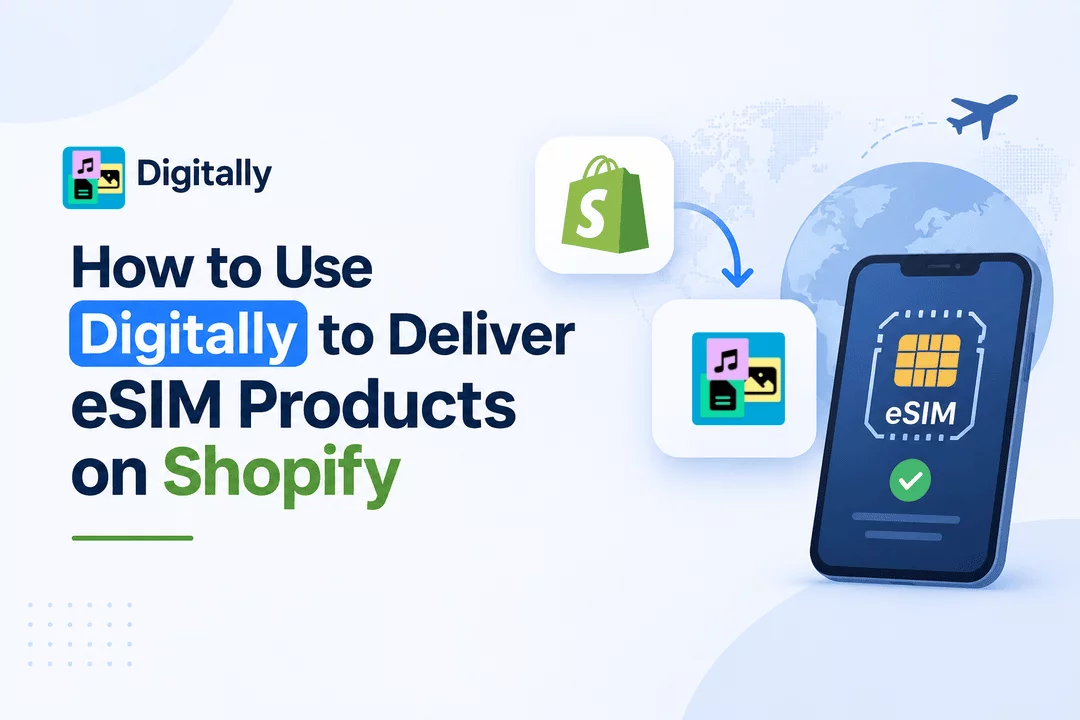
Selling eSIM products online is becoming an attractive opportunity for Shopify merchants. From international travel data plans to regional mobile connectivity packages, customers increasingly prefer digital SIM solutions that can be purchased and received online.
However, selling eSIM products involves more than simply adding a product to your Shopify store. Customers need to receive their eSIM activation details, QR codes, or installation instructions quickly and reliably after completing their purchase.
This is where Digitally – Digital Products can help.
Digitally allows Shopify merchants to automate the delivery of digital products, including eSIM codes, activation codes, license keys, QR codes, files, and custom links. Instead of manually sending delivery information for every order, merchants can configure digital delivery through Digitally.
In this guide, you'll learn how to set up eSIM products on Shopify and use Digitally to deliver eSIM information to customers automatically.
What Is an eSIM Product?
An eSIM (embedded SIM) is a digital SIM that allows compatible devices to connect to mobile networks without requiring a traditional physical SIM card.
Unlike conventional SIM cards, eSIMs can be installed digitally using an activation code, QR code, or instructions provided by the mobile network operator.
Common eSIM products include:
- International travel eSIMs
- Country-specific data plans
- Regional connectivity packages
- Global mobile data plans
- Short-term travel data packages
- Prepaid eSIM activation packages
For Shopify merchants, these products can be sold as digital items because customers receive their activation information electronically rather than through physical shipping.
Why Automate eSIM Delivery on Shopify?
Imagine running an online store that sells eSIM plans for 20 different countries.
Every time someone purchases a product, you need to identify the correct activation information and send it to the customer.
Doing this manually can become time-consuming, especially when your store starts receiving multiple orders.
Manual delivery can also create several problems:
- Delayed delivery after checkout.
- Incorrect activation codes sent to customers.
- Confusion when managing multiple eSIM products.
- Additional customer support requests.
- Difficulty handling a growing number of orders.
Automated digital delivery helps reduce these operational challenges.
With Digitally, merchants can organize eSIM codes and activation information and configure automatic delivery through supported digital delivery methods.
How to Use Digitally to Deliver eSIM Products on Shopify
Follow these steps to configure your eSIM products using Digitally.
Step 1: Install Digitally on Your Shopify Store
First, install Digitally – Digital Products from the Shopify App Store.
After installation:
- Open your Shopify admin dashboard.
- Navigate to the Apps section.
- Open Digitally – Digital Products.
- Explore the available digital product and delivery settings.
Digitally is designed to help merchants manage and deliver digital products without manually fulfilling every digital order.
Step 2: Create an eSIM Product in Shopify
Next, create the eSIM product you want to sell.
For example, you could create products such as:
- USA Travel eSIM – 5GB Data Plan
- Europe eSIM – 10GB Data Plan
- Japan Travel eSIM – 3GB Data Plan
- Global eSIM – 20GB Data Plan
When creating the product, include important information such as:
- Supported countries and regions.
- Available data allowance.
- Plan validity period.
- Network compatibility.
- Activation requirements.
- Device compatibility.
- Installation instructions.
Make sure the product is configured as a digital product and that physical shipping is disabled if no physical item is being shipped.
Clear product information helps customers understand exactly what they are purchasing.
Step 3: Add Your eSIM Activation Codes to Digitally
This is one of the most important steps.
To deliver eSIM products, you need genuine activation information supplied by your authorized eSIM provider or network partner.
Depending on your provider's delivery format, this information might include:
- Unique eSIM activation codes.
- QR code information or QR code files.
- SM-DP+ addresses.
- Activation instructions.
- Secure installation links.
Open Digitally and configure the relevant digital product for your Shopify eSIM listing.
Add the corresponding activation information using the supported license-key, code, file, or custom-link delivery options.
For stores managing multiple eSIM products, keep the inventory organized by product, country, and data plan.
For example:
Shopify Product | Digital Inventory |
|---|---|
USA eSIM – 5GB | USA activation details |
Europe eSIM – 10GB | Europe activation details |
Japan eSIM – 3GB | Japan activation details |
Global eSIM – 20GB | Global activation details |
Important: Use genuine, provider-issued activation credentials. Digitally handles digital delivery; it does not independently create mobile subscriptions, generate valid carrier activation credentials, or provision network connectivity.
Step 4: Connect the Digital Product to Your Shopify Listing
After adding your eSIM information, associate the appropriate digital inventory with the corresponding Shopify product inside Digitally.
For example:
- USA eSIM should be connected to USA activation inventory.
- Europe eSIM should be connected to Europe activation inventory.
- Japan eSIM should be connected to Japan activation inventory.
This organization helps ensure that customers receive the correct activation information for the product they purchased.
If you sell different data allowances or validity periods, organize those products separately to avoid assigning the wrong activation details.
Step 5: Configure Automatic eSIM Delivery
Now configure the delivery options available in Digitally.
Digitally supports digital delivery through options such as:
- Email delivery.
- Shopify checkout.
- Customer download pages.
- Customer account access.
You can also customize product-specific delivery emails to provide a more professional customer experience.
For an eSIM purchase, the delivery message should clearly explain what the customer has received and how to proceed.
A useful delivery email can include:
- Order confirmation information.
- eSIM activation details.
- QR code or installation information, where supported.
- Supported device requirements.
- Activation instructions.
- Customer support contact information.
The goal is to make the delivery process as simple as possible.
Step 6: Customize Your eSIM Delivery Email
A clear delivery email is especially important for eSIM products because customers may need assistance installing their digital SIM.
You can use Digitally's email customization features to create a product-specific delivery experience.
Here is an example of what your customer communication could look like:
Subject: Your eSIM Is Ready – Installation Instructions Inside
Hello,
Thank you for purchasing your eSIM!
Your digital eSIM activation information is ready.
Your eSIM Details:
- Product: Europe Travel eSIM
- Data Plan: 10GB
- Validity: As specified in your purchased plan
- Activation Information: Provided with your digital delivery
How to Install Your eSIM:
- Make sure your device supports eSIM.
- Connect your device to Wi-Fi.
- Open your device's mobile or cellular settings.
- Select the option to add an eSIM.
- Scan your supplied QR code or follow the activation instructions from your provider.
- Follow the on-screen instructions to complete installation.
Step 7: Test Your eSIM Delivery Process
Before making your eSIM products available to customers, test the entire purchasing and delivery experience.
Place a test order and check:
- Does the correct eSIM information get delivered?
- Does the customer receive the delivery email?
- Is the QR code or activation information readable?
- Are the installation instructions clear?
- Does the delivery work correctly on mobile devices?
- Can the same activation code accidentally be delivered twice?
Testing is particularly important when selling unique activation codes because each customer should receive valid and unused credentials.
Also, check your available inventory regularly so customers don't purchase products when no activation codes are available.
Best Practices for Selling eSIM Products on Shopify
Once your automated delivery system is configured, consider these practices to improve your store's customer experience.
1. Organize eSIM Products by Country
Create separate product listings or clearly organized variants for different destinations.
This makes it easier for customers to find the right connectivity package.
2. Use Unique Activation Information
Whenever your provider supplies unique activation credentials, maintain a properly organized inventory.
Avoid sending the same single-use activation code to multiple customers.
3. Provide Clear Installation Instructions
Not every customer knows how to install an eSIM.
Include simple instructions and explain device compatibility requirements.
4. Explain Activation and Validity Rules
Customers should understand when their plan starts, how long it remains valid, and whether activation must happen before or after arriving at their destination.
These details depend on the individual eSIM provider.
5. Monitor Your Digital Inventory
Keep track of available activation codes and replenish your inventory before it runs out.
If you use finite activation-code inventory, configure the relevant inventory management features available in your Digitally plan.
6. Make Customer Support Accessible
Provide a way for customers to contact your support team if they experience installation problems, invalid codes, or activation issues.
Good support can help build trust and encourage repeat purchases.
Benefits of Using Digitally for eSIM Delivery
Digitally provides Shopify merchants with several useful capabilities for managing digital products.
Here are some ways these features can support an eSIM business:
Automated Digital Delivery
Reduce manual fulfillment by configuring digital information to be delivered after qualifying purchases.
Unique Code Delivery
Organize and deliver provider-issued eSIM activation codes using digital code delivery functionality.
Bulk Code Management
Manage larger collections of digital codes more efficiently using available bulk-import functionality.
Custom Delivery Emails
Customize delivery emails to provide product-specific information and installation instructions.
Multiple Delivery Options
Provide digital information through supported delivery channels, including email and customer-facing download experiences.
Simplified Digital Product Management
Manage eSIM activation information alongside other digital products from your Shopify store.
Final Thoughts
Selling eSIM products on Shopify can be a practical way to build a digital connectivity business. However, managing activation information and delivering it reliably is an important part of the customer experience.
With Digitally – Digital Products, Shopify merchants can organize provider-issued eSIM codes, configure digital product delivery, customize customer emails, and reduce repetitive manual fulfillment.
Whether you're selling travel eSIMs, regional data packages, or international connectivity plans, a well-organized digital delivery process can make managing your Shopify store easier as your business grows.
Frequently Asked Questions
Yes. You can sell eSIM products through Shopify as digital products. You need a legitimate source of eSIM activation credentials and a suitable digital delivery setup.
Yes. Digitally supports eSIM codes and digital activation information through its digital code delivery functionality. You need to supply genuine activation information from your eSIM provider and configure the appropriate product delivery settings.
Digitally supports QR codes and digital file delivery. Depending on how your provider supplies the QR code, you can configure the appropriate supported delivery method, such as a QR code file or activation information. Test the complete customer experience before launching.
Digitally supports automated delivery after qualifying purchases when configured appropriately. Actual activation and network availability depend on the eSIM provider and its service conditions.
Yes. You can create separate Shopify listings for different countries, regions, or data packages and organize their corresponding activation information in Digitally.
No. Digitally is a digital delivery solution, not a mobile network operator or eSIM provisioning platform. You must obtain valid activation credentials from an authorized eSIM provider.
Sell eSIM on Shopify
Shopify eSIM delivery
eSIM activation code delivery
Automated eSIM delivery
Shopify travel eSIM store
digitally

Digitally ‑ Digital Products
Sell files, e-books, license keys, promo codes & digital links
 Install Now