How Digitally Makes Selling and Delivering Digital Products Effortless on Shopify
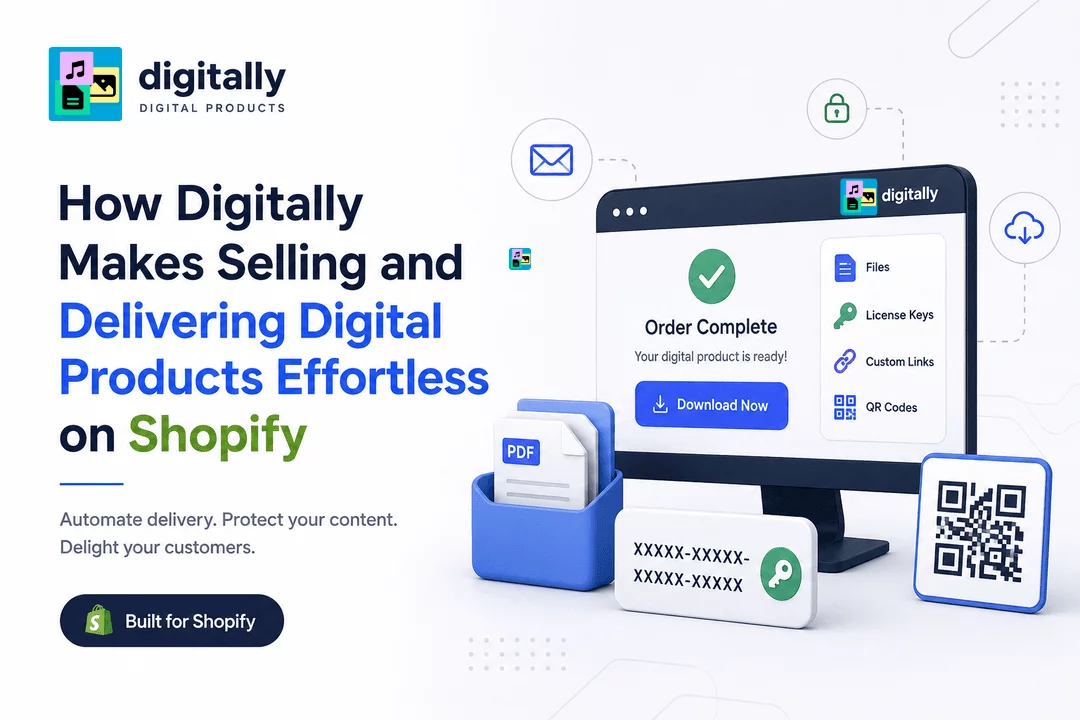
Selling digital products on Shopify can be a highly profitable business model. Unlike physical products, digital products don’t require inventory, packaging, or shipping. However, delivering those products securely and efficiently can become challenging as your store grows.
Customers expect instant access after completing a purchase. Store owners need reliable delivery, secure download links, protection against unauthorized sharing, and an easy way to manage different types of digital products.
This is where Digitally – Digital Products makes the process easier.
Digitally helps Shopify merchants automate digital product delivery directly from their Shopify store. Whether you sell ebooks, PDFs, software licenses, activation keys, templates, digital artwork, subscriptions, or other downloadable products, you can manage delivery from one place.
What Is Digitally – Digital Products?
Digitally is a Shopify app designed to help merchants sell and automatically deliver digital products to customers.
Instead of manually sending files, links, or license keys after every order, merchants can configure their products once and let Digitally handle delivery automatically.
Customers can receive their digital products through multiple delivery methods, including email, the Shopify Thank You page, and their digital download area.
This makes the buying experience faster for customers while reducing repetitive work for merchants.
Why Digital Product Delivery Can Be Challenging
Selling a digital product may seem simple: upload a file and send it to the customer.
But as your business grows, several challenges can appear.
1. Manual delivery takes time
If you're manually emailing files, license keys, or access links after every purchase, your workload increases with every order.
2. Customers expect instant access
Digital customers don't want to wait hours for their purchase. They expect their ebook, template, software key, or other digital product to be available immediately.
3. Digital files can be shared
Unlike physical products, digital files can easily be copied and redistributed. Without appropriate protection, your products may be shared without authorization.
4. Managing multiple product types becomes complicated
A store might sell PDFs, ebooks, license keys, subscription codes, custom links, and other digital products at the same time. Managing each delivery method separately can quickly become difficult.
Digitally is designed to solve these challenges from within Shopify.
How Digitally Simplifies Digital Product Selling
1. Automate Delivery After Every Purchase
One of the biggest advantages of Digitally is automated delivery.
After a customer completes an order, the app can automatically provide access to the purchased digital product.
This means you don't have to manually process every order or send individual emails.
For example, if you sell an ebook, the customer can automatically receive the download link after purchasing.
The same workflow can be used for:
- PDFs
- Ebooks
- Templates
- Software
- Digital artwork
- Audio files
- License keys
- Activation codes
- Subscription keys
- Custom download links
- QR codes
Automation allows your store to deliver products consistently, even when you're not online.
2. Deliver Digital Products Instantly
Speed matters when selling digital products.
Once a customer completes a purchase, Digitally can make the purchased content available without requiring manual intervention.
Customers can access their digital products through supported delivery locations such as:
- Shopify Thank You page
- Customer digital download area
Instant delivery improves the customer experience and eliminates unnecessary waiting.
3. Sell More Than Just Downloadable Files
Digital products aren't limited to PDFs and ebooks.
Many Shopify merchants sell products that require a unique code, URL, or access credential.
Digitally supports several types of digital content, allowing merchants to manage different digital products from one app.
Files
Upload and deliver downloadable files such as:
- Ebooks
- Guides
- PDFs
- Templates
- Music
- Digital art
- Worksheets
- Software
- ZIP files
Digitally supports files up to 2GB, making it suitable for a wide range of digital products.
License Keys and Activation Codes
If you sell software licenses, game keys, antivirus activation codes, subscriptions, or other unique codes, Digitally can help automate key delivery.
Merchants can manage license key inventories and use CSV uploads to add large collections of unique keys.
When a customer purchases a product, the appropriate key can be delivered automatically.
Custom Links
Some digital products are delivered through an external URL instead of a downloadable file.
For example, you might sell:
- Online resources
- Private webpages
- Membership access
- External software
- Cloud-based content
Digitally allows merchants to deliver custom links to customers automatically.
QR Codes
QR codes can also be used as a digital delivery method.
For example, a merchant could sell:
- Digital tickets
- Event access
- Location-based experiences
- eSIM-related products
- Digital memberships
Customers can receive the QR code after purchasing.
4. Protect Your Digital Products
Digital product security is just as important as delivery.
Once customers receive a downloadable product, there's always a risk that the file could be shared.
Digitally provides several features designed to help merchants control access to their digital products.
Download Limits
Merchants can limit how many times customers can download a product.
This can reduce excessive downloading and help prevent uncontrolled distribution.
Expiring Download Links
Download links can be configured to expire, helping merchants maintain greater control over access.
IP Fraud Protection
IP-based protection can help identify suspicious download behavior and reduce unauthorized access.
PDF Stamping
For PDF-based products, stamping can add customer-specific information to downloaded documents.
This can help discourage customers from sharing purchased PDFs because the document can contain identifying purchase information.
For merchants selling ebooks, reports, courses, worksheets, or premium documents, PDF stamping can provide an additional layer of protection.
5. Manage License Keys at Scale
Selling license keys manually can become difficult when you have hundreds or thousands of codes.
Digitally makes license key management easier by allowing merchants to maintain key inventories and upload keys in bulk using CSV files.
For example, suppose you're selling 1,000 software activation keys.
Instead of manually adding each key, you can upload the inventory and let Digitally manage the delivery process.
The app can then provide available keys to customers as orders are completed.
This is particularly useful for merchants selling:
- Software licenses
- Antivirus keys
- Game activation codes
- Subscription codes
- Membership keys
- Productivity software
- Digital services
6. Deliver Multiple Keys Per Product Unit
Some businesses need to deliver more than one key or code when a customer purchases a product.
Digitally includes a Keys/Codes Per Unit option that allows merchants to define how many keys should be delivered for each purchased quantity.
For example:
If a customer purchases 3 units and the product is configured to deliver 2 keys per unit, the customer can receive 6 keys.
This makes the system more flexible for businesses with multi-code products or bundled digital access.
7. Customize the Customer Download Experience
Digital delivery shouldn't feel disconnected from your Shopify store.
A professional download experience can make your business look more trustworthy and make it easier for customers to find their purchases.
Digitally provides tools for customizing the download experience, including a Download Page Editor.
Merchants can create a download page that fits their store experience rather than relying on a generic delivery interface.
8. Customize Digital Product Emails
Email delivery is an important part of the digital purchasing experience.
Instead of sending a generic message, merchants can customize their digital product emails to better match their brand and product type.
Digitally supports dynamic email templates for different delivery scenarios, including:
- Files
- Keys and codes
- Custom links
- Combined digital products
Dynamic information can be inserted into emails using merge tags, helping customers quickly identify and access what they purchased.
For example, a single-file product can use the {{single_file_download_link}} merge tag to provide the customer's download link directly in the email.
9. Connect Digital Delivery With Marketing Tools
Digital product delivery doesn't have to operate separately from your marketing workflow.
Digitally supports integrations with marketing and video platforms such as:
- Klaviyo
- Mailchimp
- Vimeo
- Wistia
These integrations can help merchants build more connected digital product experiences.
For example, a merchant selling a digital course could deliver supporting videos through Vimeo or Wistia while using Shopify and Digitally to manage the purchase and delivery process.
10. Automate Drip Content Delivery
Not every digital product needs to be delivered all at once.
Some businesses sell courses, memberships, educational materials, or subscription-based content that should be released gradually.
With drip content delivery, merchants can provide content according to a schedule instead of giving customers access to everything immediately.
For example:
Day 1: Welcome guide
Day 3: First lesson
Day 7: Workbook
Day 14: Advanced resources
This approach can make digital products feel more structured and engaging.
11. Sync Products With Shopify
Managing products in multiple places can create unnecessary work.
Digitally's Shopify Product Sync functionality helps connect your digital products with Shopify products so merchants can manage their store more efficiently.
This can be especially useful for stores with a large number of digital products.
12. Reduce Customer Support Requests
A good digital delivery system doesn't just save time—it can also reduce support requests.
Common customer questions include:
- "Where is my download?"
- "How do I access my license key?"
- "Can you resend my file?"
- "Where can I find my purchase?"
- "My download link isn't working."
Automated delivery and clear access options can address many of these questions before customers need to contact support.
When customers can quickly locate their digital purchases, your support workload can decrease.
Digitally vs. Manual Digital Delivery
Consider a Shopify merchant selling 100 digital products per month.
With manual delivery, the merchant may need to:
- Check the order.
- Find the correct file or key.
- Prepare the delivery email.
- Send the product.
- Confirm the customer received it.
- Handle resend requests.
With automated delivery through Digitally:
- Customer places an order.
- Digitally detects the purchase.
- The appropriate digital product is assigned.
- The customer receives access automatically.
The difference becomes even more significant as order volume grows.
Who Can Benefit From Digitally?
Digitally can be useful for many types of Shopify digital product businesses.
Ebook Sellers
Deliver ebooks, guides, reports, and downloadable books automatically.
Course Creators
Deliver course files, resources, videos, and scheduled content.
Software Sellers
Deliver software files, activation keys, and license information.
Game Key Sellers
Automatically distribute game activation codes and downloadable content.
Template Sellers
Sell and deliver design templates, business documents, spreadsheets, and other resources.
Membership Businesses
Deliver membership links, subscription keys, QR codes, or other access information.
Digital Artists
Sell downloadable artwork, graphics, illustrations, and creative assets.
A Simple Digital Product Delivery Workflow
Digitally can simplify the entire process from purchase to delivery.
Step 1: Create Your Product
Create a digital product in your Shopify store.
Step 2: Add Your Digital Content
Connect the relevant file, license key, custom link, QR code, or other digital content.
Step 3: Configure Delivery
Choose how customers should receive their purchase and configure any security or download settings.
Step 4: Customer Places an Order
The customer purchases the digital product through your Shopify store.
Step 5: Digitally Handles Delivery
The app automatically processes the digital content associated with the order.
Step 6: Customer Gets Access
The customer receives the purchased product through the configured delivery method.
Step 7: Continue Selling
Once everything is configured, the workflow can operate automatically for future orders.
Why Automation Matters for Digital Product Businesses
Automation becomes increasingly valuable as your store grows.
When you're processing only a few orders, manual delivery might seem manageable. But when orders increase, repetitive tasks can quickly consume your time.
Automated digital delivery helps you:
- Save time
- Deliver products faster
- Reduce manual errors
- Improve customer satisfaction
- Protect digital content
- Manage large product inventories
- Reduce support requests
- Scale your digital product business
Instead of spending time delivering every purchase manually, you can focus on marketing, product development, customer relationships, and business growth.
Final Thoughts
Selling digital products on Shopify doesn't have to mean manually sending files, searching for license keys, or responding to download requests.
Digitally – Digital Products brings digital product delivery into a more automated and manageable workflow.
From files and ebooks to license keys, custom links, QR codes, and subscription codes, Digitally gives Shopify merchants the tools they need to deliver digital products efficiently.
With features such as automated delivery, download limits, expiring links, PDF stamping, license key management, drip content, customizable download pages, email templates, and integrations, Digitally can help turn your Shopify store into a scalable digital product business.
If you're looking for a simpler way to sell and deliver digital products on Shopify, Digitally can help automate the process from purchase to customer access.
Frequently Asked Questions
You can sell digital products on Shopify by creating a Shopify product and using a digital delivery app such as Digitally to automatically deliver files, ebooks, license keys, activation codes, custom links, QR codes, and other digital content after purchase.
Digitally automatically connects digital content to your Shopify products and delivers it after a customer completes an order. Customers can access their purchases through delivery methods such as email, the Shopify Thank You page, and their digital download area.
Digitally supports a wide range of digital products, including PDFs, ebooks, software, templates, digital artwork, license keys, activation codes, subscription keys, custom links, and QR codes.
Digitally provides security features such as download limits, expiring download links, IP fraud protection, and PDF stamping. These tools can help merchants control access and discourage unauthorized sharing of digital files.
Yes. Digitally can automatically deliver unique license keys and activation codes after purchase. Merchants can manage key inventories and upload large collections of keys using CSV files, making it easier to scale license key delivery.
Yes. Digitally is designed to automate digital product delivery as your store grows. Features such as bulk license key management, automated delivery, drip content, customizable emails, download limits, and secure delivery can help reduce manual work and support higher order volumes.
Shopify Digital Products
digitally
Digital Product Delivery
Digital Downloads Shopify
License Key Delivery
Sell Digital Products
Digital Product Security

Digitally ‑ Digital Products
Sell files, e-books, license keys, promo codes & digital links
 Install Now