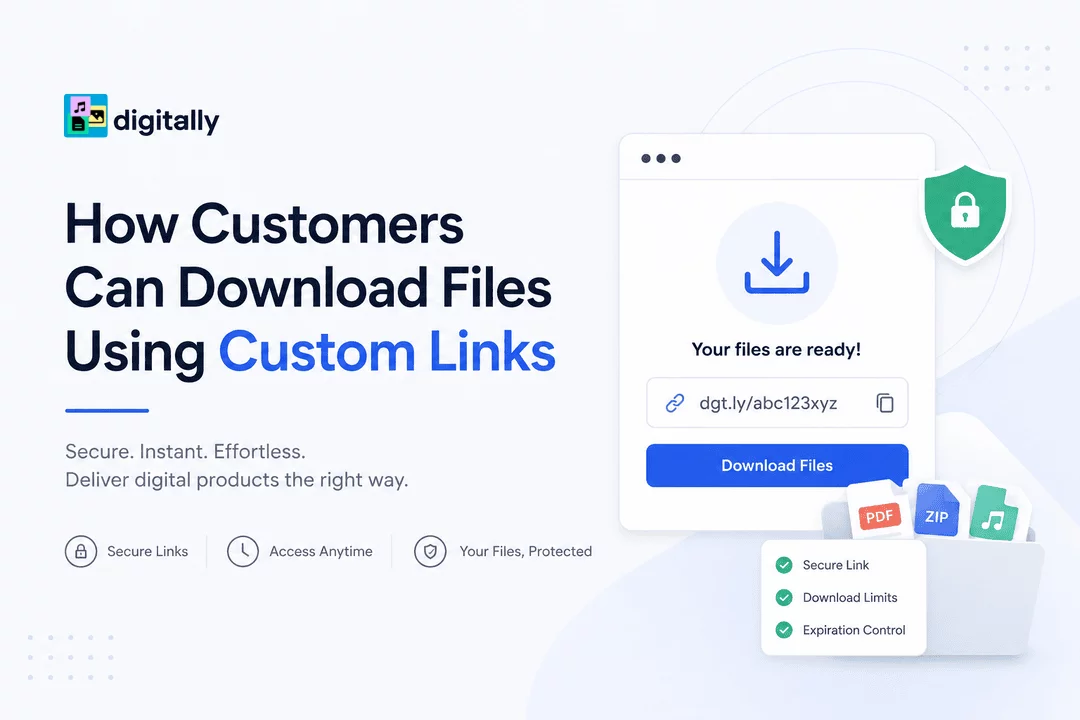
How Customers Can Download Files Using Custom Links
Providing customers with a simple and secure way to access their purchased digital products is one of the most important aspects of running a successful online store. Whether you're selling ebooks, software, online courses, music, templates, digital artwork, or license keys, customers expect instant access to their purchases.
Custom download links make this process seamless. Instead of forcing customers to navigate complicated account pages or search through emails, custom links provide a direct path to the files they purchased. This improves the customer experience while helping merchants maintain control over digital product distribution.
In this guide, we'll explain how customers can download files using custom links and why this delivery method is becoming increasingly popular among Shopify merchants.
What Are Custom Download Links?
Custom download links are unique URLs generated specifically for a customer's purchase. These links direct customers to their purchased digital files and often include security features such as:
- Expiration dates
- Download limits
- Customer-specific access
- Secure file hosting
- Protected digital delivery
Unlike public file URLs that can be shared freely, custom links provide greater control over who can access your digital products.
Why Custom Download Links Matter
Digital products are different from physical products. Once a file is downloaded, it can be copied and distributed easily.
Custom download links help merchants:
- Deliver files instantly after purchase
- Reduce unauthorized sharing
- Track download activity
- Improve customer satisfaction
- Maintain a professional buying experience
For customers, the benefits are equally important:
- Quick access to purchases
- Easy downloading process
- No waiting for manual delivery
- Secure access to files
- Convenient retrieval of purchased content
How Customers Download Files Using Custom Links
Step 1: Complete the Purchase
After purchasing a digital product, customers proceed through the normal Shopify checkout process.
Once payment is confirmed, the order is marked as completed and the delivery process begins automatically.
Step 2: Receive the Download Link
Customers typically receive their custom download link through:
- Order confirmation pages
- Confirmation emails
- Customer account pages
- Automated delivery notifications
The link is generated specifically for that purchase and provides direct access to the purchased files.
Step 3: Click the Custom Link
Customers simply click the download button or custom URL provided.
The link redirects them to a secure download page where their purchased files are available.
Depending on the merchant's settings, customers may see:
- A single file download
- Multiple downloadable files
- Product instructions
- License keys
- Additional resources
Step 4: Download the Files
After opening the download page, customers can save the files directly to their device.
Most file types download immediately, including:
- PDF documents
- ZIP archives
- Software packages
- Audio files
- Video files
- Design assets
- Templates
- Digital guides
Step 5: Access Files Again (If Allowed)
Many merchants allow customers to revisit their custom download links multiple times.
However, some links may include:
- Download limits
- Time restrictions
- Expiration dates
These settings help protect premium digital products from unauthorized sharing.
Common Download Issues and Solutions
Download Link Expired
Some download links automatically expire after a specified period.
Customers should contact the store owner if they need a refreshed download link.
Email Not Received
Customers should:
- Check spam folders
- Verify their email address
- Search for the store name in their inbox
If the email still cannot be found, merchants can resend the download link.
File Won't Open
Customers should ensure they have the correct software installed to open the downloaded file type.
For example:
- PDFs require a PDF reader
- ZIP files may need extraction software
- Design files may require specialized applications
Download Interrupted
Customers can usually restart the download using the same custom link if download limits permit.
Benefits of Using Digitally for Custom Download Links
For Shopify merchants, managing digital product delivery manually can quickly become overwhelming.
Digitally simplifies the process by automating secure digital delivery and generating custom download links for every purchase.
With Digitally, merchants can:
- Deliver files instantly
- Create secure download links
- Manage download permissions
- Protect premium digital products
- Track customer downloads
- Provide a smooth customer experience
This allows store owners to focus on growing their business while ensuring customers receive their purchases quickly and securely.
Best Practices for Merchants
To provide the best download experience:
- Send download links immediately after purchase.
- Include clear download instructions.
- Allow reasonable download limits.
- Use secure file hosting.
- Provide customer support for download issues.
- Test download links regularly.
- Offer easy access from order confirmation emails.
These practices help reduce support requests and increase customer satisfaction.
Conclusion
Custom download links make digital product delivery simple, secure, and convenient for both merchants and customers. By providing direct access to purchased files, merchants can create a better buying experience while maintaining control over their digital products.
Whether you're selling ebooks, software, courses, templates, music, or other downloadable content, custom links ensure customers receive their purchases instantly and securely.
With Digitally, Shopify merchants can automate this entire process, making digital product delivery professional, reliable, and effortless.
Frequently Asked Questions
A custom download link is a unique URL generated for a customer's purchase that provides secure access to digital files.
Customers usually receive download links through order confirmation emails, thank-you pages, or customer account areas.
This depends on the merchant's settings. Some links allow multiple downloads, while others have download limits or expiration dates.
Customers should contact the store owner, who can generate and send a new download link if needed.
Digitally automates secure file delivery, generates custom download links, manages download permissions, and helps Shopify merchants deliver products instantly.
Yes. Digitally supports a wide range of digital products, including ebooks, software, online courses, templates, music files, license keys, and more.
Shopify Digital Products
digitally
Digital Downloads
Custom Download Links
Digital Product Sales
sell digital product
license keys

Digitally ‑ Digital Products
Sell files, e-books, license keys, promo codes & digital links
 Install Now