Shopify Digital Products: How Digital Downloads Work After Checkout
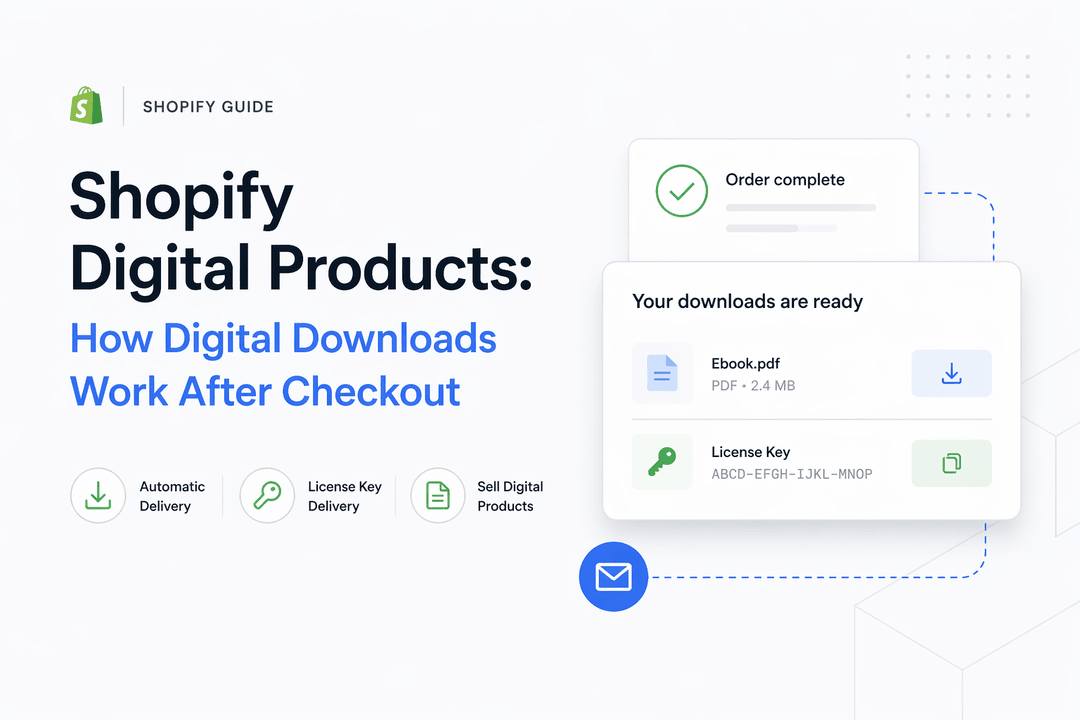
Selling digital products on Shopify has become one of the most scalable online business models. From software license keys and eBooks to templates and digital access links, merchants can automate everything — including delivery.
But many store owners still ask:
What exactly happens after a customer clicks “Buy Now”?
How do Shopify digital downloads actually work behind the scenes?
In this guide, we’ll break down the complete technical flow of a Shopify digital product purchase — from checkout to automated delivery — and explain how automation builds trust, reduces support tickets, and increases repeat sales.
Understanding Shopify Digital Products
A digital product is any item delivered electronically rather than physically. Examples include:
- Software license keys
- eBooks (PDF, EPUB)
- Design templates
- Online course access
- Membership files
- Activation codes
- Digital art or music files
Unlike physical products, digital items require no shipping, but they do require a reliable delivery system.
That’s where automation becomes critical.
Step-by-Step: How Shopify Digital Downloads Work After Checkout
Let’s break down the technical flow into simple stages.
1️⃣ Customer Adds Digital Product to Cart
When a customer visits your Shopify store and purchases a digital product:
- The product is marked as non-physical
- Shipping is disabled
- Inventory may be file-based or key-based
- Delivery is handled by a digital delivery app (like Digitally)
At this stage, everything functions like a standard Shopify product.
2️⃣ Checkout Process
The customer proceeds through:
- Cart review
- Customer information page
- Payment method selection
- Payment authorization
Shopify securely processes the payment using integrated gateways like:
- Shopify Payments
- PayPal
- Stripe
- Other supported gateways
Once payment is successfully authorized, Shopify marks the order as:
Paid
This is the trigger point for automation.
3️⃣ Payment Confirmation Event (Automation Trigger)
When Shopify confirms payment, it sends an internal order confirmation event.
This event triggers:
- Order status update
- Confirmation email
- Webhook/API notification to delivery apps
Digital delivery apps (like Digitally) listen for this event.
Once detected, the system automatically begins the delivery workflow.
4️⃣ Digital Delivery System Activates
Here’s what happens behind the scenes:
If Selling File Downloads:
- The app retrieves the assigned file
- Generates a secure download link
- Applies expiration or download limits (optional)
If Selling License Keys:
- The system pulls a unique key from inventory
- Assigns it to that specific order
- Prevents duplicate distribution
If Selling Access Links:
- Unique access URLs can be generated
- Credentials can be delivered automatically
All of this happens instantly — usually within seconds of payment confirmation.
5️⃣ Customer Receives Digital Product
The buyer receives delivery through:
- On-screen thank-you page download link
- Automated email delivery
- Customer account dashboard
- Order status page
The experience feels seamless and professional.
No manual emailing.
No waiting.
No human delay.
Technical Flow Diagram (Simplified)
Customer Purchase → Shopify Checkout → Payment Confirmed →
Order Marked Paid → Delivery App Triggered →
File/Key Assigned → Download Email Sent →
Customer Access Granted
Fully automated.
Why Automatic Shopify Digital Downloads Matter
Automation isn’t just convenient — it’s strategic.
1️⃣ Builds Customer Trust
Instant delivery signals legitimacy.
When customers receive their file or key immediately:
- They feel confident in the store
- They don’t worry about scams
- They are more likely to return
This is especially important when selling:
- Software license keys
- Activation codes
- Digital subscriptions
Instant fulfillment = perceived professionalism.
2️⃣ Reduces Support Tickets
Manual delivery often causes:
- “Where is my file?” emails
- Delayed responses
- Payment confirmation confusion
- Lost emails
Automatic Shopify digital downloads eliminate most of these problems.
Your support inbox stays clean.
3️⃣ Scales With Order Volume
If you receive:
- 10 orders per day → manageable
- 100 orders per day → stressful
- 1,000 orders per day → impossible manually
Automation allows infinite scalability without hiring extra staff.
How Shopify Handles Digital Downloads Automatically
By default, Shopify handles:
- Checkout
- Payment processing
- Order status management
However, Shopify requires a digital delivery app to:
- Attach downloadable files
- Send secure links
- Distribute license keys
- Manage key inventory
- Prevent duplicate delivery
This app connects via Shopify’s API and webhook system.
The process becomes:
Shopify → Order Event → App Trigger → Automated Delivery
Security Considerations
When selling Shopify digital products, you should:
- Use expiring links
- Limit download attempts
- Assign unique license keys
- Monitor suspicious bulk purchases
Automation tools make this manageable.
Real-World Example: Selling Software License Keys
If you sell:
- Windows activation keys
- Antivirus licenses
- Design software codes
The system:
- Stores keys in inventory
- Automatically assigns one per order
- Prevents reuse
- Delivers instantly
This eliminates manual spreadsheets and human error.
Final Thoughts
Shopify digital products work through a simple but powerful automation chain:
Checkout → Payment Confirmation → Automated Delivery
When configured correctly, the system:
- Delivers instantly
- Builds trust
- Reduces support tickets
- Scales effortlessly
- Increases repeat purchases
If you’re serious about selling digital downloads professionally, automation is not optional — it’s essential.
Frequently Asked Questions
After payment is confirmed on Shopify, the order is marked as “Paid.” A digital delivery app is triggered automatically, which assigns the file or license key and sends a secure download link to the customer via email and the order confirmation page.
Shopify processes payments and confirms orders, but a digital delivery app is required to automatically send files, license keys, or access links after checkout.
Yes. You can upload a list of unique license keys into a delivery system, and the app will automatically assign one key per purchase. This prevents duplicate distribution and ensures instant fulfillment.
Digitally connects to Shopify’s order confirmation system. When an order is marked as paid, Digitally instantly delivers the assigned file, license key, or download link to the customer—without manual work.
Most delivery systems allow customers to access downloads from their order page or resend the email automatically. With automation tools like Digitally, delivery logs help track and verify successful fulfillment.
Yes. Most Shopify digital delivery apps like digitally allow you to set download limits, expiration dates, and security controls to prevent file abuse or sharing.
Digitally
Shopify digital products
Shopify automatic delivery
Shopify license key delivery
sell digital products Shopify
Shopify digital product
automated digital delivery

Digitally ‑ Digital Products
Sell files, e-books, license keys, promo codes & digital links
 Install Now