License Key Delivery on Shopify: A Complete Guide
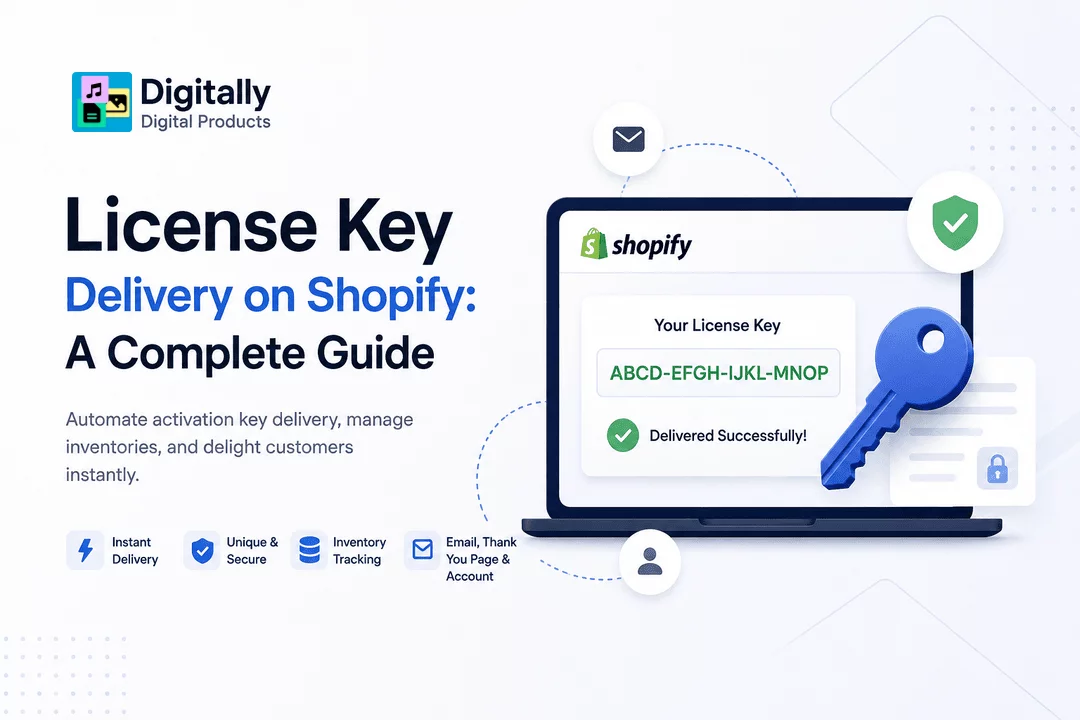
Selling software, activation codes, gaming keys, subscription credentials, and digital licenses has become one of the fastest-growing ecommerce business models. Unlike physical products, customers expect immediate access to their purchased license keys without waiting for manual emails or customer support.
If you're using Shopify to sell software, antivirus subscriptions, game keys, SaaS licenses, or digital memberships, setting up automated license key delivery is essential for creating a seamless customer experience.
In this guide, you'll learn how license key delivery works, why automation matters, best practices for managing license inventories, and how Digitally makes the entire process simple and secure.
What Is a License Key?
A license key is a unique code that grants access to software, services, memberships, or premium digital content.
Common examples include:
- Windows activation keys
- Microsoft Office licenses
- Antivirus subscriptions
- Game activation codes
- Steam product keys
- VPN subscriptions
- SaaS activation codes
- Membership access codes
- Premium plugin licenses
- Digital service credentials
Each customer typically receives a unique key after completing a purchase.
Why Automate License Key Delivery?
Manual fulfillment creates unnecessary work and increases the risk of delays and errors.
Automated delivery provides several benefits:
- Instant customer satisfaction
- No manual emails
- 24/7 automated fulfillment
- Reduced support tickets
- Better inventory tracking
- Lower risk of duplicate key distribution
- Scalable business operations
Automation allows your store to continue selling even while you're offline.
How License Key Delivery Works
The process is straightforward:
Step 1: Customer Places an Order
The customer purchases a software license or digital product through your Shopify store.
Step 2: Payment Is Confirmed
Once Shopify confirms the payment, the order becomes eligible for digital fulfillment.
Step 3: A Unique Key Is Selected
The app automatically retrieves one unused activation key from your inventory.
Step 4: The License Key Is Delivered
The customer immediately receives their activation code through:
- Shopify Thank You page
- Customer account download area
Step 5: Inventory Updates
The delivered key is marked as used, ensuring it isn't sent to another customer.
Types of Products That Use License Keys
Many digital businesses rely on automated key delivery.
Examples include:
- Software licenses
- Antivirus subscriptions
- Windows activation keys
- Office activation keys
- Game keys
- DLC codes
- SaaS subscriptions
- Online course access codes
- Premium memberships
- VPN subscriptions
- Digital gift cards
- API access credentials
Why Shopify Merchants Need License Key Automation
Without automation, merchants often:
- Copy keys manually
- Send emails one by one
- Lose track of inventory
- Accidentally send duplicate keys
- Delay customer access
These issues become increasingly difficult as order volume grows.
Automated fulfillment eliminates these challenges.
Benefits of Using Digitally for License Key Delivery
Digitally is designed specifically for Shopify merchants selling digital products and activation codes.
Key capabilities include:
Instant Delivery
Customers receive their unique activation code immediately after payment.
Bulk Key Import
Upload thousands of license keys using CSV files.
Automatic Inventory Tracking
Each delivered key is automatically marked as used.
Multiple Delivery Methods
License keys can be delivered through:
- Thank You page
- Customer account
Secure Fulfillment
Every customer receives a unique activation code.
Works with Multiple Product Types
Digitally supports:
- License keys
- Digital downloads
- Custom links
- QR codes
- Subscription access
Best Practices for License Key Management
Managing activation keys properly helps prevent inventory shortages and customer issues.
Keep a Large Inventory
Always upload enough unused keys before running promotions.
Monitor Available Keys
Track remaining inventory regularly to avoid selling unavailable licenses.
Organize Products
Separate license inventories by:
- Product
- Version
- Region
- Platform
This reduces fulfillment mistakes.
Use Unique Keys Only
Never reuse activation codes.
Every customer should receive a unique license.
Test Your Delivery Workflow
Before launching your store:
- Place a test order
- Verify email delivery
- Confirm key assignment
- Check inventory updates
Common License Key Delivery Challenges
Running Out of Keys
Monitor inventory levels and replenish before products sell out.
Duplicate Deliveries
Automation prevents the same activation code from being assigned twice.
Manual Fulfillment Delays
Instant delivery improves customer satisfaction and reduces refund requests.
Customer Support Requests
Automated fulfillment provides immediate access, reducing "Where is my key?" support tickets.
Industries That Benefit from License Key Delivery
License key automation is useful for many businesses.
Examples include:
- Software companies
- Game publishers
- SaaS businesses
- VPN providers
- Antivirus vendors
- Online education platforms
- Membership websites
- Plugin developers
- Digital agencies
- Template marketplaces
Why Customers Prefer Instant License Delivery
Modern shoppers expect digital purchases to be available immediately.
Fast fulfillment offers:
- Immediate access
- Better customer experience
- Higher trust
- Fewer abandoned purchases
- Reduced support requests
- Increased repeat customers
Instant delivery has become the standard for digital commerce.
Final Thoughts
Selling software licenses and activation codes on Shopify is a profitable business model, but manual fulfillment quickly becomes difficult as your store grows.
Automating license key delivery ensures every customer receives a unique activation code instantly while reducing administrative work and support requests. Whether you're selling software, game keys, SaaS subscriptions, or membership access, reliable automation helps your business scale efficiently.
With Digitally, Shopify merchants can upload license keys in bulk, automatically assign unique codes after each purchase, track inventory in real time, and deliver activation keys securely through email, the Thank You page, or customer accounts—all without manual intervention.
Frequently Asked Questions
License key delivery is the automated process of sending a unique activation code to customers immediately after they purchase a digital product from your Shopify store.
Yes. Digitally automatically assigns an unused license key from your inventory and delivers it instantly after a successful order, eliminating manual fulfillment.
Yes. Most merchants import thousands of activation keys using CSV files, making inventory management faster and easier.
Software licenses, antivirus subscriptions, game activation codes, VPN subscriptions, SaaS products, online memberships, plugins, and digital services can all use automated license key delivery.
Digitally marks each delivered activation key as used immediately after fulfillment, ensuring the same key is not assigned to another customer
Yes. Automated delivery is faster, reduces human error, improves customer satisfaction, minimizes support requests, and allows your Shopify store to sell digital products 24/7 without manual intervention.
License Key Delivery on Shopify
Shopify license key delivery
Digitally
Software activation codes
License key management
License key fulfillment

Digitally ‑ Digital Products
Sell files, e-books, license keys, promo codes & digital links
 Install Now