How to Start a Digital Products Business on Shopify (Complete Guide 2026)
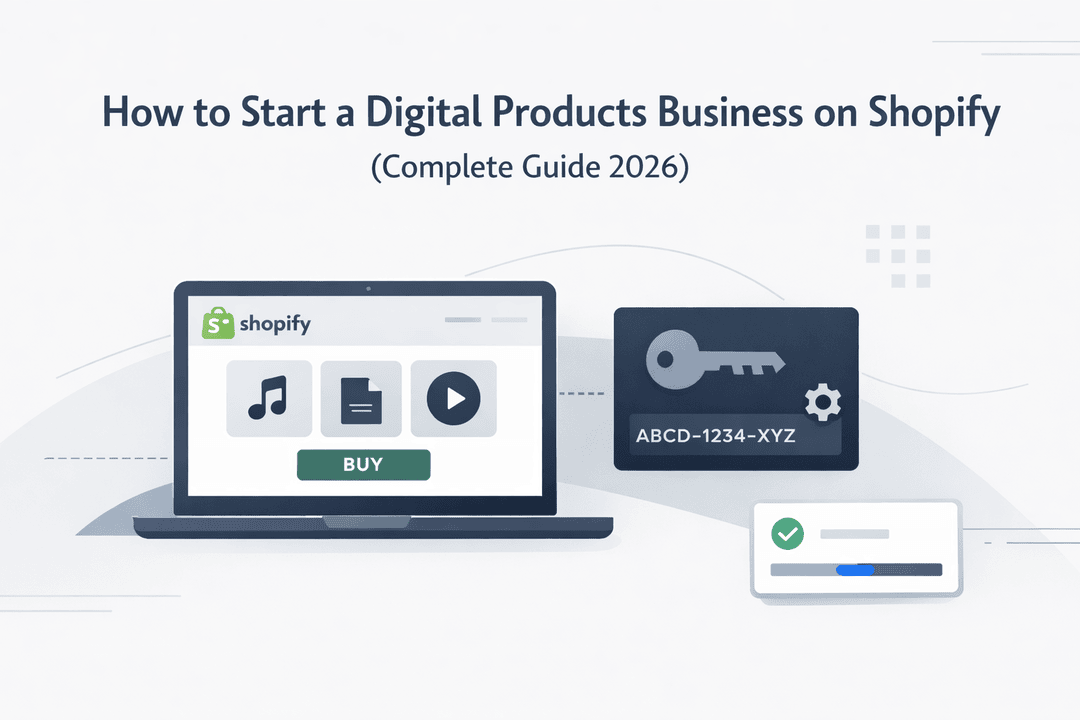
In 2026, starting a digital products business is one of the smartest ways to build an online income stream. No inventory, no shipping, and no physical limitations — just pure scalability.
Whether you want to sell eBooks, templates, software, or license keys, platforms like Shopify make it easier than ever to launch and grow.
In this complete guide, you’ll learn exactly how to start your digital products business from scratch — and how to automate everything using your Shopify app Digitally.
What Are Digital Products?
Digital products are items that customers can purchase and access online instantly. There’s no physical delivery involved, which makes them incredibly efficient to sell.
Some popular examples include:
- eBooks and guides
- Online courses
- Software and plugins
- License keys
- Design templates
- Music, audio, and digital art
The biggest advantage? You create once and sell unlimited times.
Why Shopify Is Perfect for Digital Products
When it comes to building an online store, Shopify stands out for its simplicity and power.
It’s not just for physical products — with the right setup, it becomes a complete digital selling machine.
Here’s why it works so well:
- You can sell globally, 24/7
- No need to manage inventory
- Built-in payment systems
- Easy customization
- Scalable as your business grows
And when combined with automation tools like Digitally, you can run your business almost hands-free.
Step 1: Choose a Profitable Niche
Before you build anything, you need to decide what you’re selling and who you’re selling to.
Avoid being too general. Instead, focus on a specific audience with a clear problem.
For example:
- Developers → plugins, scripts, APIs
- Designers → UI kits, templates
- Students → notes, guides
- Entrepreneurs → business tools
The more specific your niche, the easier it is to stand out.
Step 2: Create a High-Value Digital Product
Your success depends on the value your product delivers.
Ask yourself:
- Does this solve a real problem?
- Will people pay for this solution?
- Is it better or faster than alternatives?
A strong digital product isn’t just content — it’s a solution.
Step 3: Set Up Your Shopify Store
Getting started with Shopify is straightforward.
Here’s what you need to do:
- Create your store
- Choose a clean, fast theme
- Set up essential pages (Home, Product, About, Contact)
- Customize your branding
Keep your design minimal and professional — clarity always wins.
Step 4: Automate Delivery with Digitally
This is where most beginners struggle — delivery.
Manually sending files or license keys is slow, unprofessional, and hard to scale.
That’s why automation is critical.
With Digitally, you can:
- Instantly deliver files after purchase
- Automatically send license keys
- Secure your digital downloads
- Manage everything in one place
This turns your store into a fully automated system that works 24/7.
Step 5: Add and Configure Your Products
Once your store is ready:
- Upload your digital files (PDFs, ZIPs, etc.)
- Disable shipping settings
- Connect your products with Digitally
- Set download limits if needed
Make sure everything works smoothly before launch.
Step 6: Optimize Your Product Pages
Your product page is where conversions happen.
A high-performing page should include:
- A clear and compelling headline
- Problem + solution explanation
- Benefits (not just features)
- Visual previews or screenshots
- Customer testimonials
- FAQs
Think of it as your 24/7 salesperson.
Step 7: Set Up Payments
A smooth checkout experience is essential.
With Shopify, you can easily accept:
- Credit and debit cards
- PayPal
- Local payment methods
The easier it is to pay, the more you’ll sell.
Step 8: Launch and Market Your Store
Even the best product won’t sell without visibility.
Here are the most effective marketing strategies in 2026:
- SEO (blog content, keywords)
- YouTube tutorials
- TikTok and short-form videos
- Twitter and LinkedIn (for SaaS/tools)
- Email marketing
Focus on one or two channels first — then expand.
Step 9: Scale Your Business
Once you start getting sales, it’s time to grow.
You can:
- Add more digital products
- Create bundles and offers
- Upsell related items
- Build an email list
- Improve automation
With tools like Digitally, scaling becomes much easier.
Common Mistakes to Avoid
Many beginners fail because of simple mistakes:
- Creating low-value products
- Targeting the wrong audience
- Ignoring SEO
- Not automating delivery
- Poor product presentation
Avoid these, and you’re already ahead of most.
Final Thoughts
Starting a digital products business on Shopify in 2026 is a powerful opportunity.
You don’t need a warehouse, a team, or a huge budget — just a valuable product and the right systems.
If you combine:
- A focused niche
- A high-quality product
- Automation with Digitally
You can build a scalable and profitable online business.
Ready to Get Started?
If you want to simplify your workflow and deliver digital products automatically, Digitally is the perfect solution.
Start today — and turn your Shopify store into a fully automated digital business.
Frequently Asked Questions
Yes, you can sell digital products on Shopify. While Shopify is known for physical goods, it fully supports digital products when paired with the right apps for delivery and automation.
Some of the most profitable digital products include eBooks, online courses, templates, software, license keys, and digital assets like music or graphics. The key is to choose a niche with high demand and solve a specific problem.
You can automate delivery by using a Shopify app like Digitally. It allows you to instantly send files or license keys to customers after purchase, eliminating manual work and improving customer experience.
Yes, selling digital products is highly profitable because there are no inventory or shipping costs. Once created, you can sell the same product repeatedly, leading to high profit margins and scalability.
You can protect your products by setting download limits, using secure delivery systems, and restricting access. Apps like Digitally help manage secure downloads and prevent unauthorized sharing.
No, you don’t need advanced technical skills. Shopify is beginner-friendly, and with tools like automation apps, you can set up and run your store with minimal effort.
start digital products business Shopify
sell digital products Shopify
Shopify digital downloads
Digitally
how to sell digital products online
sell license keys Shopify
passive income digital products

Digitally ‑ Digital Products
Sell files, e-books, license keys, promo codes & digital links
 Install Now