How to Set Download Limits for Files in the Digitally App
Limiting download attempts helps protect your digital products from overuse or sharing. The Digitally app lets you easily define how many times a customer can download a file after purchase.
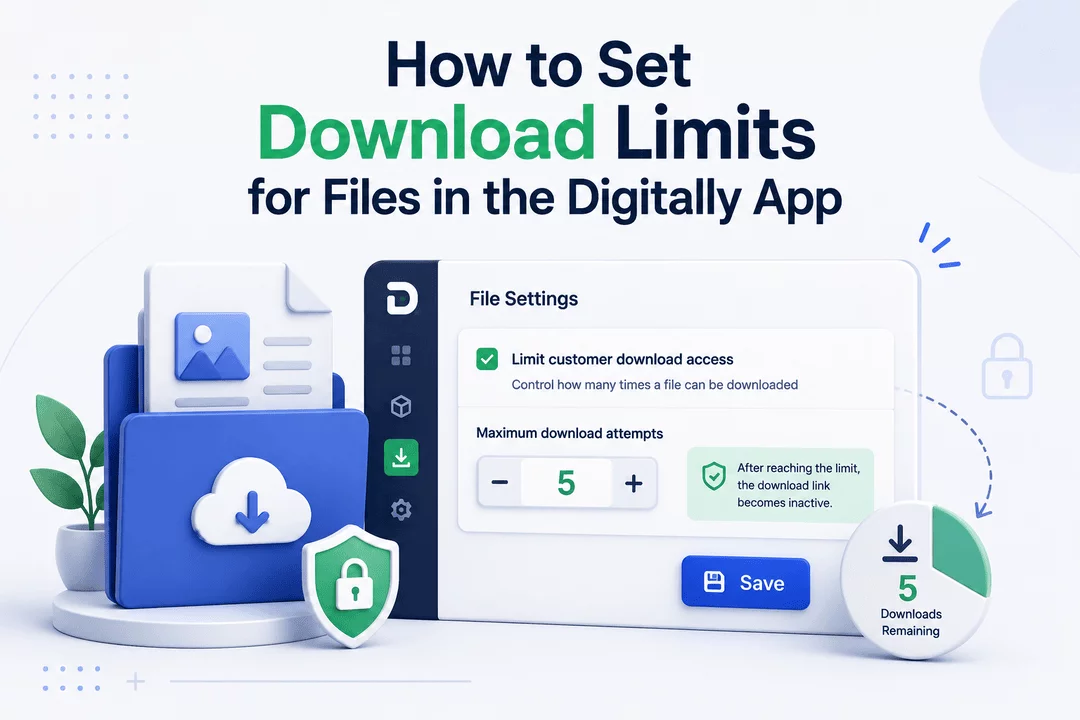
Limiting download attempts helps protect your digital products from overuse or sharing. The Digitally app lets you easily define how many times a customer can download a file after purchase.
🧭 Step 1: Create or Edit a Digital Product
- Open the Digitally – Digital Products app from your Shopify admin.
- Go to the Digital Products page.
- Either:
- Click Create New Digital Product, or
- Select an existing product to edit.

📥 Step 2: Set the Download Limit
- In the file settings section, check the box labeled:
“Limit customer download access”.
- Enter the maximum number of times a customer can download that file (e.g., 3, 5, 10).

💡 Pro Tip: Keep limits generous enough for customer convenience, but restrictive enough to avoid misuse.
💾 Step 3: Save Your Digital Product
After setting the download limit, click Save to apply the changes.

Your digital file is now protected with a download limit. Customers will only be able to download the file the number of times you've specified. Once they reach the limit, the link becomes inactive.
🔒 Bonus Tip: Combine this with an expiration date for extra security on high-value content.



