How to Sell Audio Plugin Keys on Shopify (Complete 2026 Guide)
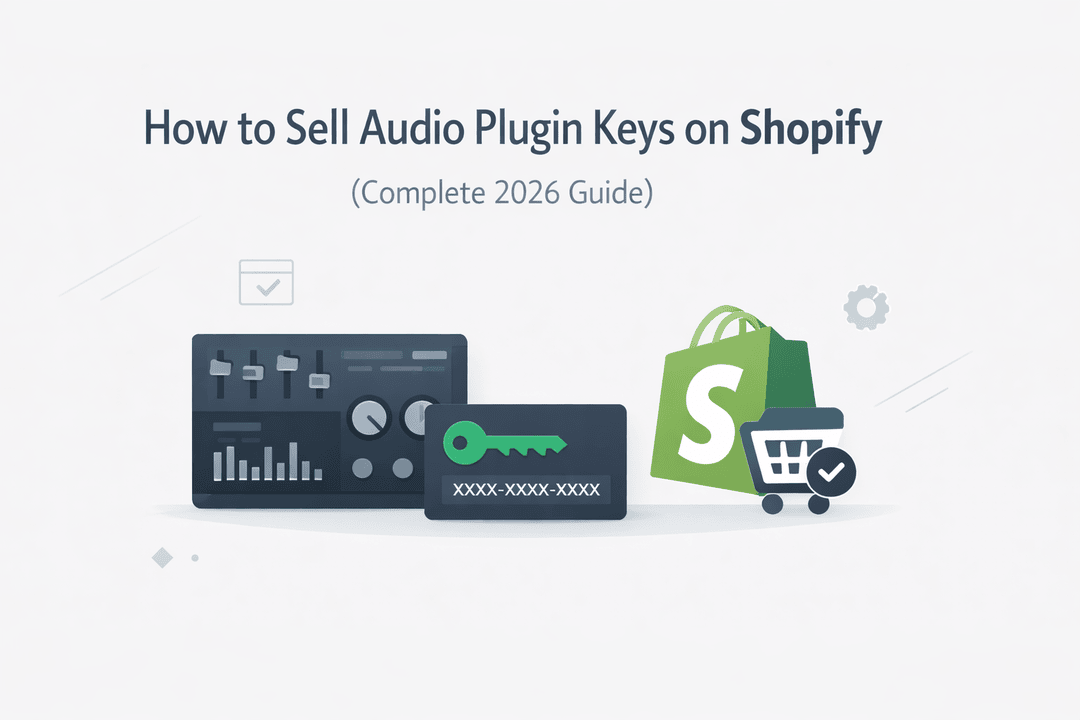
The demand for audio plugins—VSTs, DAW tools, presets, and sound packs—is exploding as more creators build home studios and produce music independently. If you’re selling audio plugins or license keys, Shopify gives you a powerful platform to turn your products into a scalable business.
But there’s one challenge: securely delivering license keys without manual work or piracy issues.
In this guide, you’ll learn how to sell audio plugin keys on Shopify step by step—while automating delivery and protecting your products.
Why Shopify Is Ideal for Selling Audio Plugins
Many creators start on marketplaces, but quickly hit limitations. Shopify offers:
- Full control over your store and branding
- No dependency on third-party platforms
- Flexible pricing and bundling options
- Seamless automation with digital delivery apps
Most importantly, Shopify allows you to build a long-term, independent business instead of relying on platforms that take a cut of your revenue.
What You Need Before You Start
Before setting up your store, make sure you have:
- Your audio plugin files or licensing system
- A collection of unique license keys
- A Shopify store (basic plan is enough)
- A digital delivery solution like Digitally
Having these ready will make the setup fast and smooth.
Step 1: Set Up Your Shopify Store
Start by creating your Shopify store and choosing a clean, minimal theme.
Focus on essential pages:
- Homepage
- Product pages
- Contact page
- Refund & license policy
Keep your design simple and professional—your audience (music producers) values clarity and trust over flashy visuals.
Step 2: Create a High-Converting Product Page
Your product page is where sales happen. Make sure it includes:
Clear Product Title
Use keywords like:
- “VST Plugin with License Key”
- “Professional Audio Plugin for FL Studio”
Detailed Description
Explain:
- Features and benefits
- Supported DAWs (Ableton, FL Studio, Logic Pro, etc.)
- System compatibility (Windows/Mac)
Demo Content
Include:
- Audio previews
- Demo videos
- Screenshots of the plugin interface
The more confidence you build, the higher your conversions.
Step 3: Automate License Key Delivery
Manually sending license keys is not scalable—and it’s prone to errors.
Instead, use Digitally to automate the entire process:
- Upload thousands of license keys in bulk
- Automatically assign a unique key per order
- Instantly deliver keys after payment
This creates a seamless experience for customers and saves you hours of manual work.
Step 4: Protect Your Audio Plugins from Piracy
Digital products—especially audio plugins—are easy to share illegally if not protected properly.
To reduce piracy:
- Use unique license keys for each customer
- Limit download attempts
- Avoid exposing direct file links
- Use secure, expiring download URLs
With Digitally, you can manage and secure your files while maintaining full control over access.
Step 5: Deliver an Instant Customer Experience
Today’s customers expect instant gratification.
After purchase, they should receive:
- Their license key
- A secure download link
- Installation instructions
Automation ensures that every customer gets access immediately—without delays or support requests.
Step 6: Optimize for SEO and Traffic
To attract organic traffic, optimize your store with relevant keywords:
Target Keywords
- Buy VST plugins online
- Audio plugin license keys
- FL Studio plugins download
- Best plugins for music production
SEO Best Practices
- Write unique product descriptions
- Add FAQs to your product pages
- Use internal linking across your store
- Optimize images and page speed
This helps your store rank higher and generate consistent traffic.
Step 7: Scale Your Audio Plugin Business
Once everything is set up, focus on growth:
- Sell plugin bundles to increase order value
- Offer exclusive presets or MIDI packs
- Launch limited-time deals
- Run ads targeting music producers
With Shopify and Digitally handling automation, you can scale without operational headaches.
Common Mistakes to Avoid
Avoid these common pitfalls:
- Sending license keys manually
- Reusing the same key for multiple customers
- Not securing download links
- Weak or unclear product descriptions
- No demo or preview content
Fixing these early can significantly improve your sales and customer trust.
Why Digitally Is Perfect for Selling Plugin Keys
Digitally is built specifically for digital sellers who need reliability and scale.
With Digitally, you can:
- Deliver license keys instantly
- Manage large inventories
- Secure your downloads and files
- Automate fulfillment
It’s the ideal solution for creators who want to grow without technical complexity.
Final Thoughts
Selling audio plugin keys on Shopify is a powerful business model—but success depends on automation, security, and user experience.
By combining Shopify with Digitally, you can:
- Sell globally
- Deliver instantly
- Protect your products
- Scale efficiently
If you’re serious about building a sustainable audio plugin business, setting up the right system from day one will make all the difference.
Frequently Asked Questions
You can use a Shopify app like Digitally to automatically send unique license keys after each purchase.
Yes, Shopify supports all types of digital products including VST plugins, presets, and audio tools.
Use unique license keys, secure download links, and limit access with tools like Digitally.
Yes, with proper automation, customers receive their files and license keys immediately.
Yes, bundles are highly effective for increasing revenue and attracting more buyers.
Absolutely. Digitally is designed to handle high-volume license key delivery securely and efficiently.
sell audio plugins Shopify
VST plugin license keys
Digitally
Shopify digital downloads
audio plugin ecommerce
license key delivery Shopify
digital product delivery Shopify

Digitally ‑ Digital Products
Sell files, e-books, license keys, promo codes & digital links
 Install Now