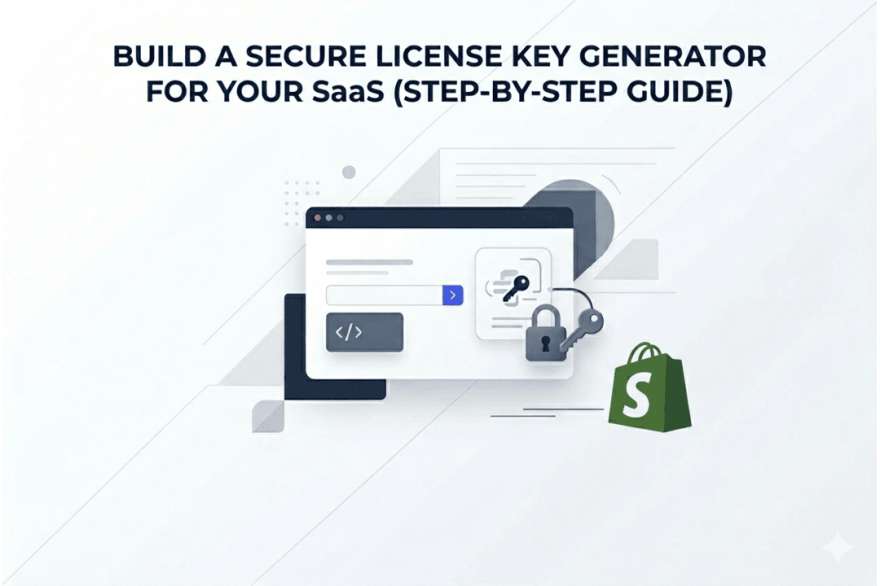
Build a Secure License Key Generator for Your SaaS (Step-by-Step Guide)
Selling software without a proper license key system is like leaving your front door unlocked. Anyone can walk in, copy your product, and use it without paying.
If you’re building a SaaS, plugin, or digital tool, a secure license key generator is one of the most important systems you’ll ever set up. It protects your revenue, controls access, and creates a professional experience for your customers.
In this guide, you’ll learn exactly how to build a secure license key system step by step—and how to automate the entire process using Shopify and your app Digitally.
What Is a License Key Generator (And Why It Matters)
A license key generator creates unique activation codes that customers use to unlock your software.
But it’s not just about generating random strings.
A complete system allows you to:
- Control how many users can access your product
- Set expiration dates for subscriptions
- Prevent unauthorized sharing
- Instantly deliver keys after purchase
Without this system, you lose control over how your product is used—and monetized.
What Makes a License Key System “Secure”?
Not all license systems are created equal. A secure one includes several key components working together.
First, every key must be unique and unpredictable.
If keys follow patterns, they can be guessed or generated by attackers.
Second, validation must happen on your server, not in your app’s frontend. Otherwise, users can bypass your logic.
Third, you need rules—like activation limits, expiration dates, and usage tracking—to enforce how licenses behave.
Finally, everything should be automated, especially delivery. That’s where most SaaS founders waste time early on.
Step-by-Step: How to Build a License Key Generator
Let’s break it down into a practical workflow you can follow.
Step 1: Design Your License Key Format
Start by deciding how your keys will look.
Most SaaS products use something like:
XXXX-XXXX-XXXX-XXXX
This format is easy to read and share, but what matters most is randomness, not appearance.
Step 2: Generate Truly Random Keys
Avoid predictable logic like sequential numbers.
Instead:
- Use cryptographic random generators
- Combine letters and numbers
- Ensure high entropy
Each key should be impossible to guess—even if someone has seen other keys.
Step 3: Store License Data Properly
Your database is the backbone of your system.
Each license should include:
- License key
- Product or plan
- Customer email
- Activation count
- Expiration date
- Status (active, expired, revoked)
This gives you full control over how each key behaves.
Step 4: Build a License Validation API
Your software needs a way to verify keys in real time.
A simple validation flow:
- User enters key
- Your app sends request to your server
- Server responds with status
Example response:
{
"status": "valid",
"expires_at": "2026-12-31",
"activations_left": 2
}
This ensures no one can bypass your licensing rules.
Step 5: Automate Key Delivery (The Smart Way)
Here’s where most people overcomplicate things.
Instead of building a full eCommerce + delivery system from scratch, you can use Shopify with your app Digitally.
This allows you to:
- Sell your SaaS like a product
- Automatically deliver license keys after checkout
- Eliminate manual work completely
No emails, no delays, no errors.
Why Use Digitally for License Key Delivery?
Building infrastructure is expensive and time-consuming. Digitally removes that burden so you can focus on your product.
With Digitally, you can:
- Upload or generate keys in bulk
- Instantly deliver keys to customers
- Connect keys to specific products
- Manage everything from one dashboard
When paired with Shopify, it becomes a complete SaaS selling machine.
Best Practices to Keep Your System Secure
Even a good system can fail without proper safeguards.
Make sure you:
- Keep all key logic on the server side
- Use HTTPS for every request
- Limit how often keys can be validated (rate limiting)
- Monitor suspicious activity
- Revoke compromised keys quickly
Security isn’t a one-time setup—it’s an ongoing process.
Common Mistakes to Avoid
A lot of SaaS founders make the same mistakes early on:
- Using simple or predictable key formats
- Skipping server-side validation
- Allowing unlimited activations
- Forgetting expiration logic
- Sending keys manually
These issues might seem small at first, but they become serious problems as you scale.
Final Thoughts
A secure license key generator is more than just a technical feature—it’s a core part of your business model.
It protects your product, ensures fair usage, and builds trust with your customers.
If you want to move faster, combining your backend logic with Digitally and Shopify gives you everything you need to launch, automate, and scale your SaaS efficiently.
Frequently Asked Questions
A system that creates unique activation codes used to unlock and control access to software.
Yes, with Digitally, you can instantly deliver keys after purchase.
Use activation limits, device tracking, and server-side validation.
Yes, a backend API is essential to securely verify and manage license keys.
Yes, it supports bulk key management and automated delivery at scale.
Yes. With tools like Shopify and Digitally, you can sell and deliver software globally with ease.
SaaS license key generator
secure software licensing system
license key automation
Digitally
software activation system
sell software online Shopify
sell digital product

Digitally ‑ Digital Products
Sell files, e-books, license keys, promo codes & digital links
 Install Now